
On April 21st I will release 24 hours of Photoshop tutorials on YouTube. It will be one video released every hour for 24 hours of Adobe Photoshop techniques. Its FREE. Now I am asking you for topics that you would like to see covered during my 24 hours of Photoshop?
All posts by victoriapavlov
From Moleskine to Adobe Illustrator and Photoshop
From Moleskine to Adobe Illustrator and Photoshop
Moleskine
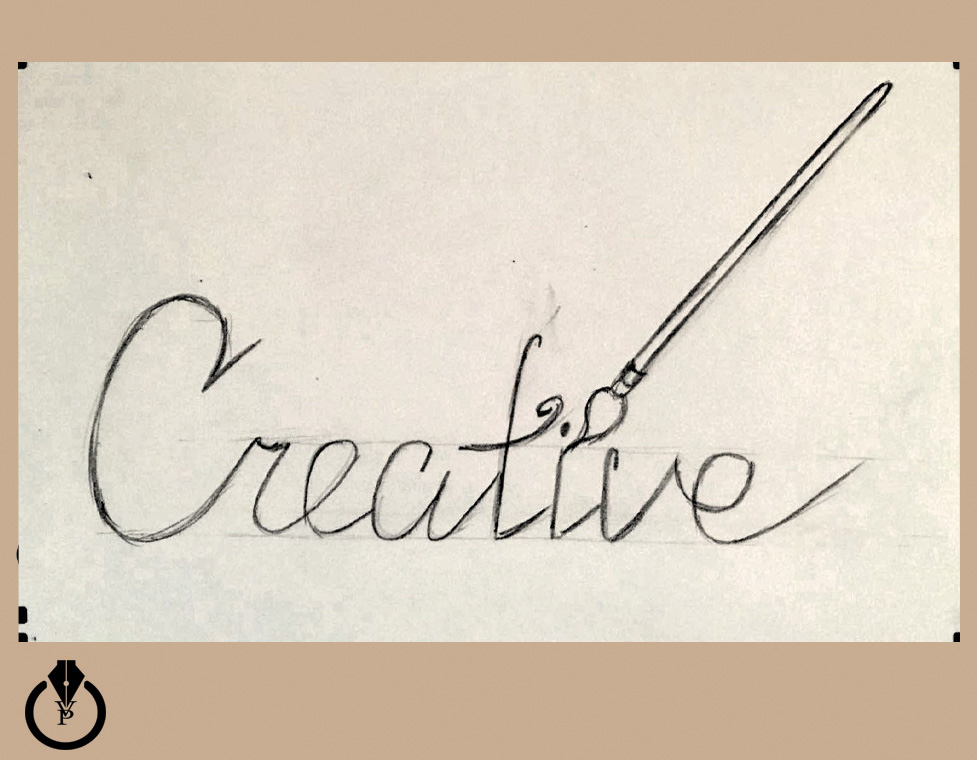
Adobe Illustrator
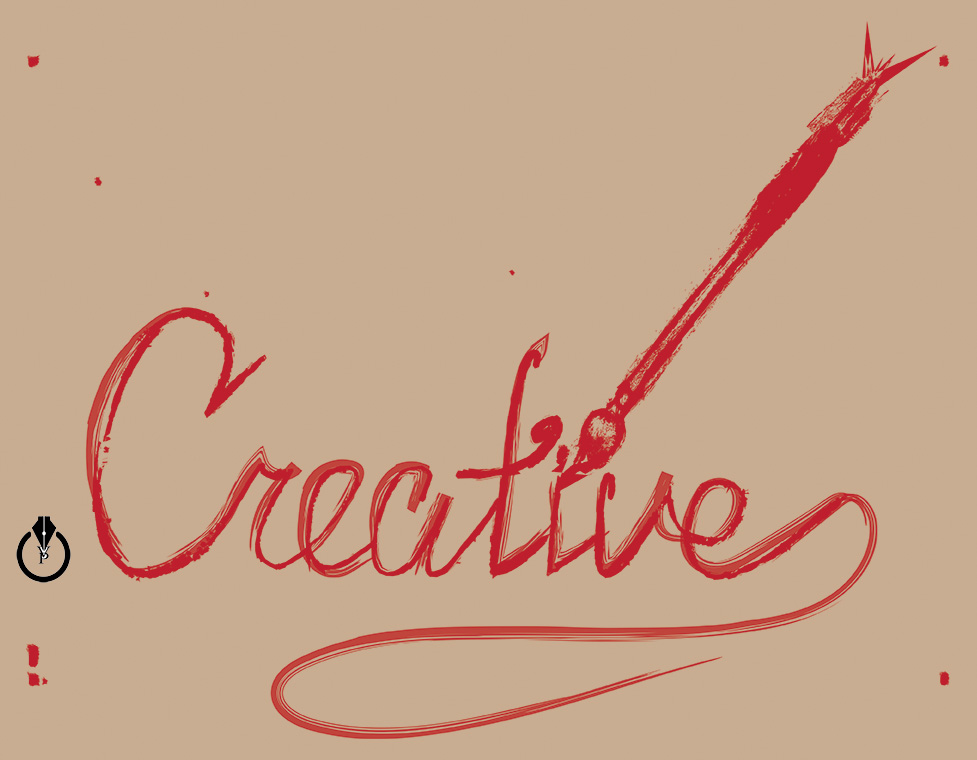
Adobe Photoshop
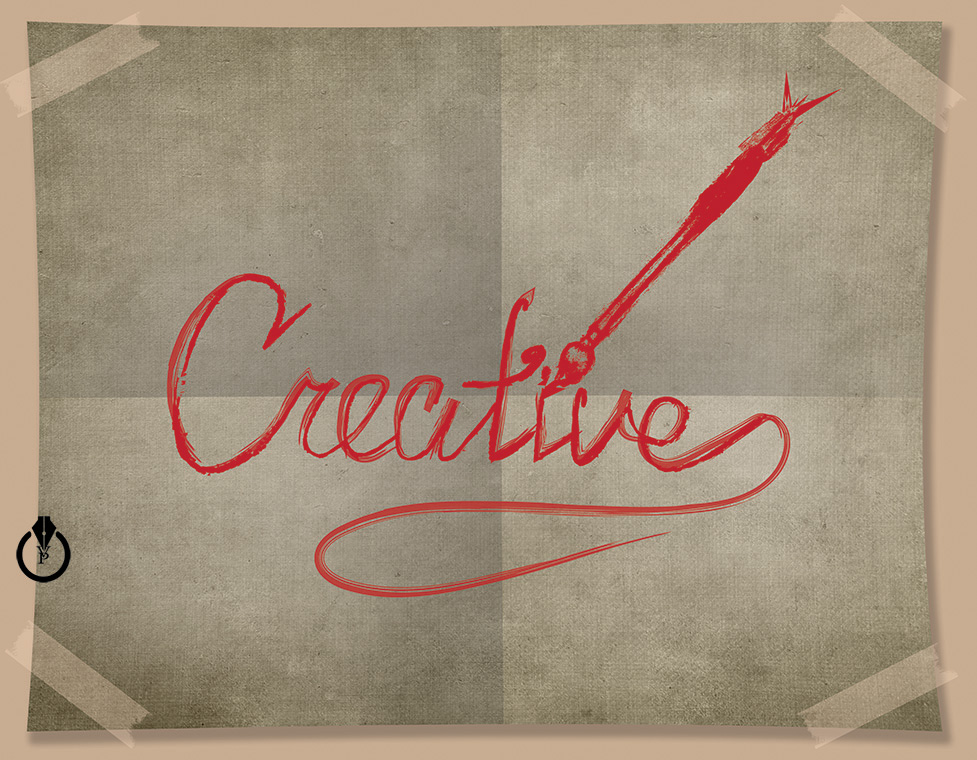
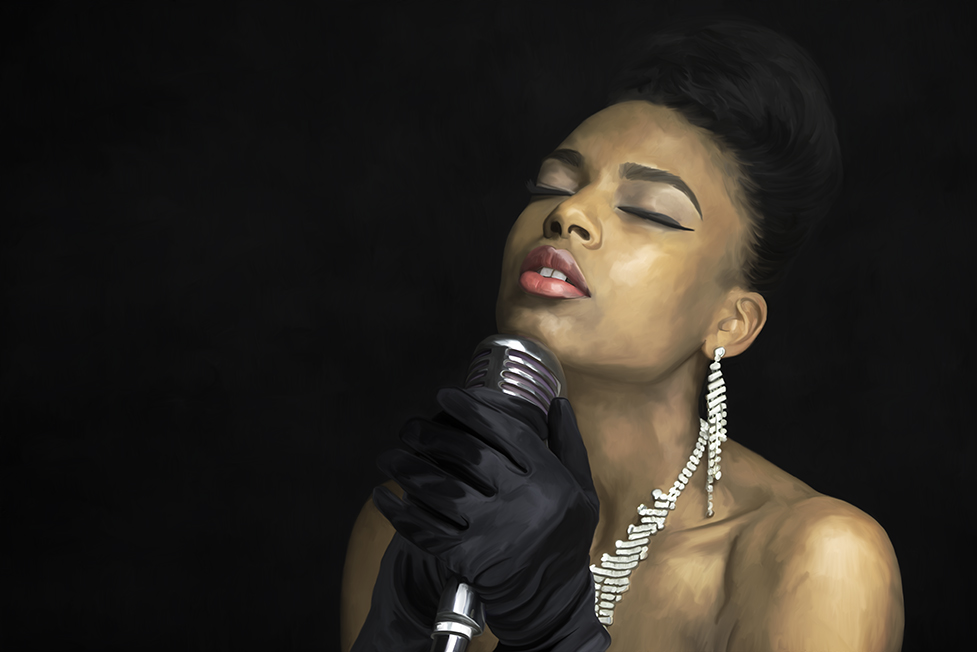
Jazz
Happy Birthday Photoshop
Happy 25th Birthday Photoshop!!!!
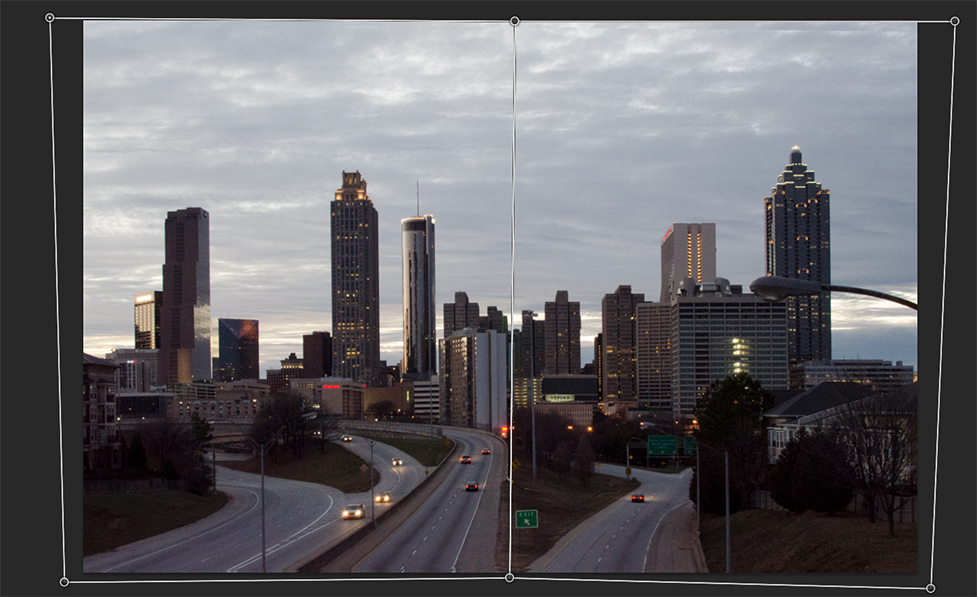
Perspective Warp
Perspective Warp is the great tool to improve landscape photography. Edit – Perspective Warp
Moleskine and Adobe Mobile Apps
I created Valentine’s Days image using different Adobe mobile apps: Adobe Sketch, Adobe Brush, Adobe Line, and Adobe Draw. What image is your favorite?
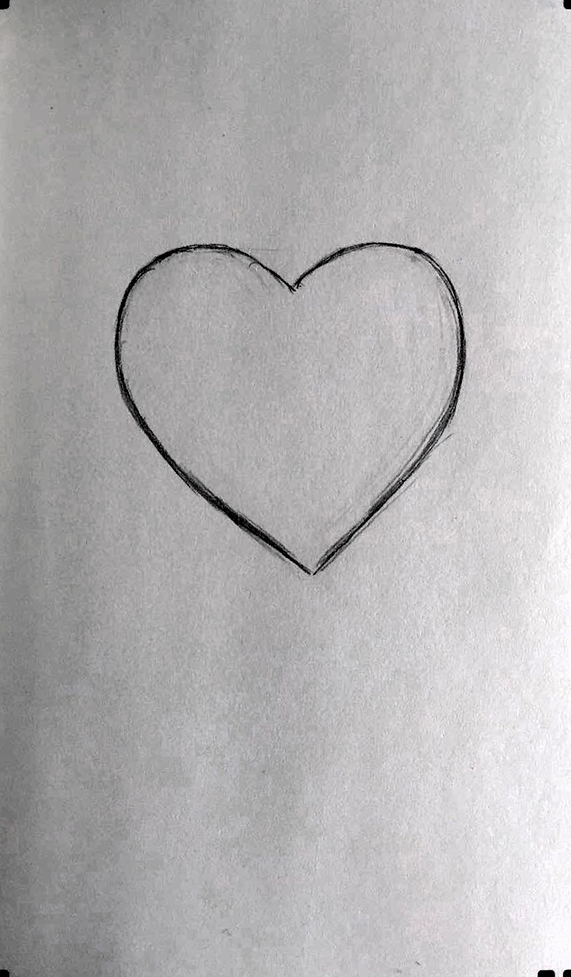
Image 1: Original image created with Moleskine Smart Notebook
2: Brush created with Adobe Brush

3: Image created with Adobe Sketch

4: Image created with Adobe Line

5: Image created with Adobe Draw

Photoshop CC Library – Part 1
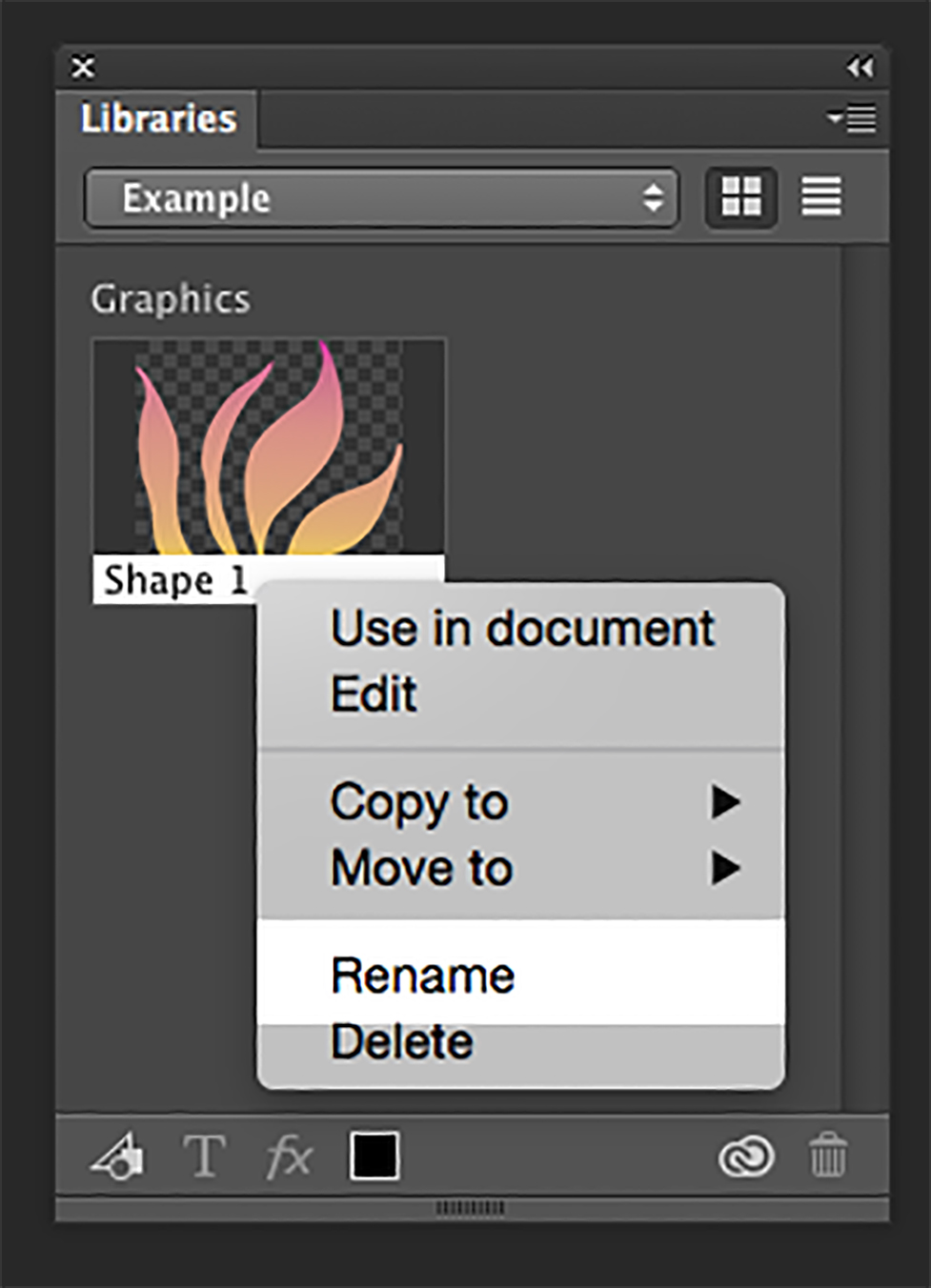
To add an icon, logo element or anything else from your open Photoshop CC document into your Library panel simply click on it and drug your into your Library Panel. Right click on a Library item – rename your item.
Organizing Layers Panel
Organizing Layers
Color – Code
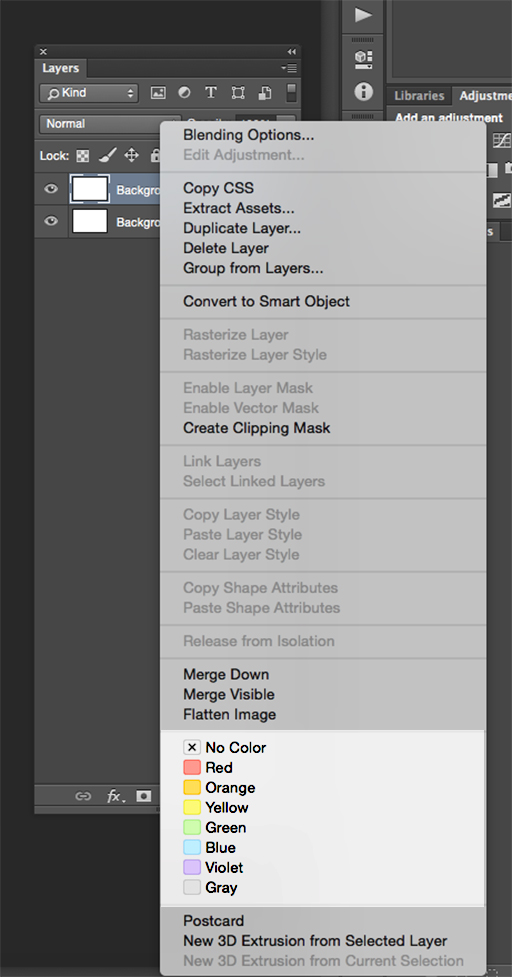
To organize your layer panel simply color – code your layers.
Right click on the eye icon and select the color from a flayout menu.
PaintCan

Adobe Photoshop User Group
Join our FREE Adobe Photoshop User Group