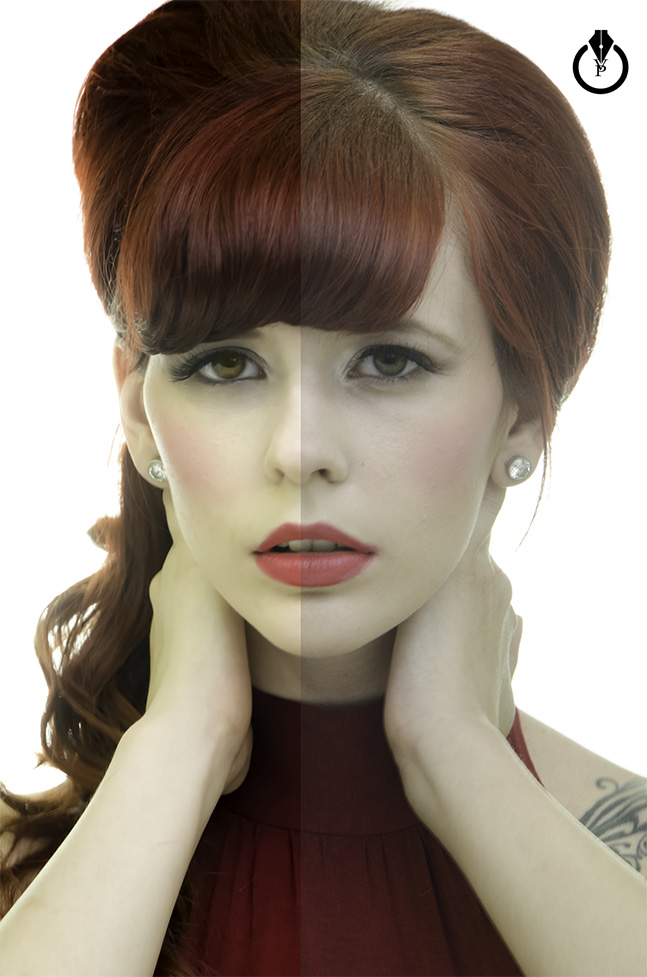
How to create our first website with Adobe Muse ( part one )
Monthly Archives: May 2015
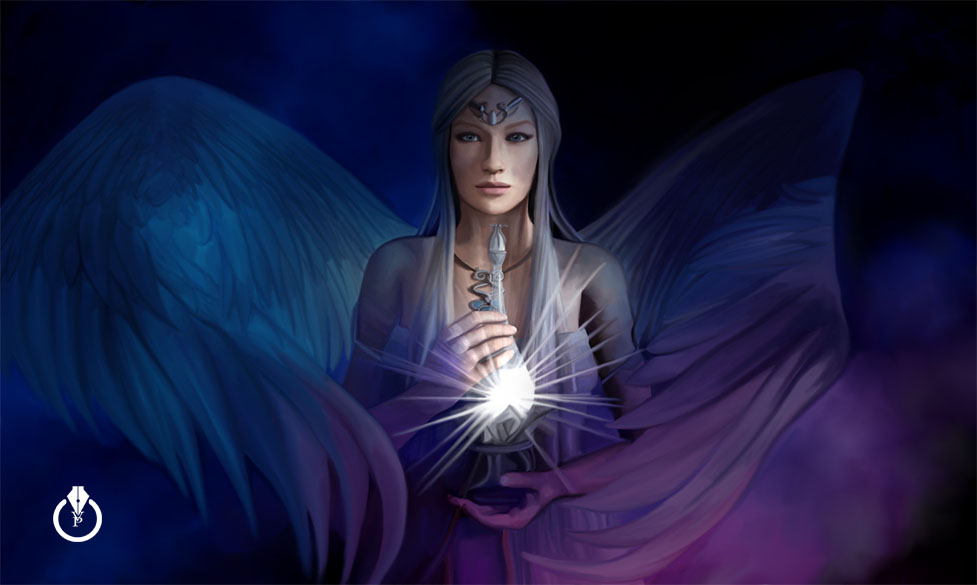
The Soul
The Soul painted with Adobe Photoshop CC and Wacom.
I used three stock images from Dollar Photo Club and Fotolia
Adobe Lightroom CC Collection via Web
How to share, view, comment on a photo collection via web
My digital painting
Some of my digital paintings with Adobe Photoshop
YouTube Video
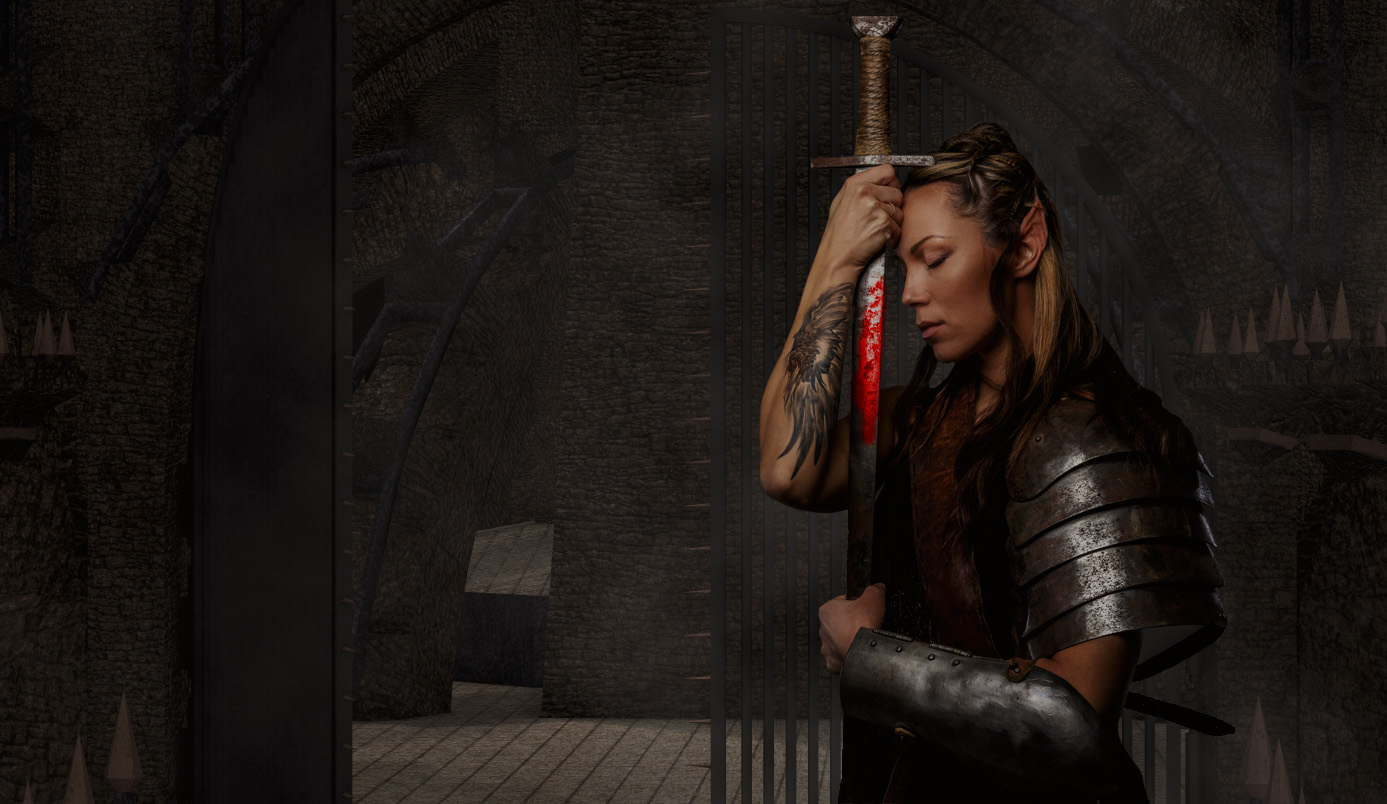
“Warrior” Tutorial
Tree Of Life
Tree Of Life Created with Adobe Photoshop CC Tree Filter
YouTube Video
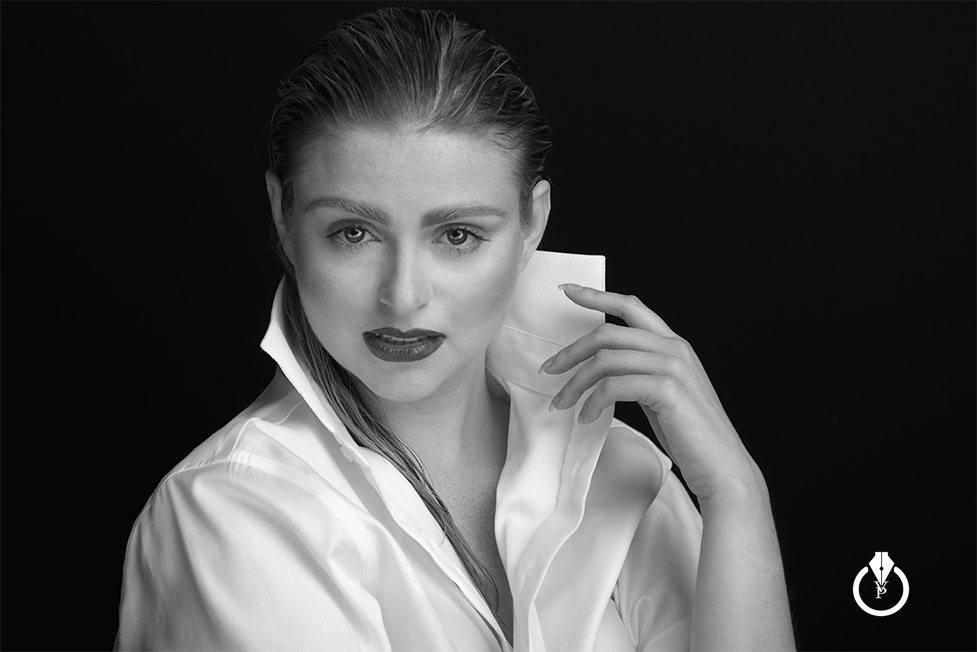
Studio Session
HDR in Adobe Lightroom CC
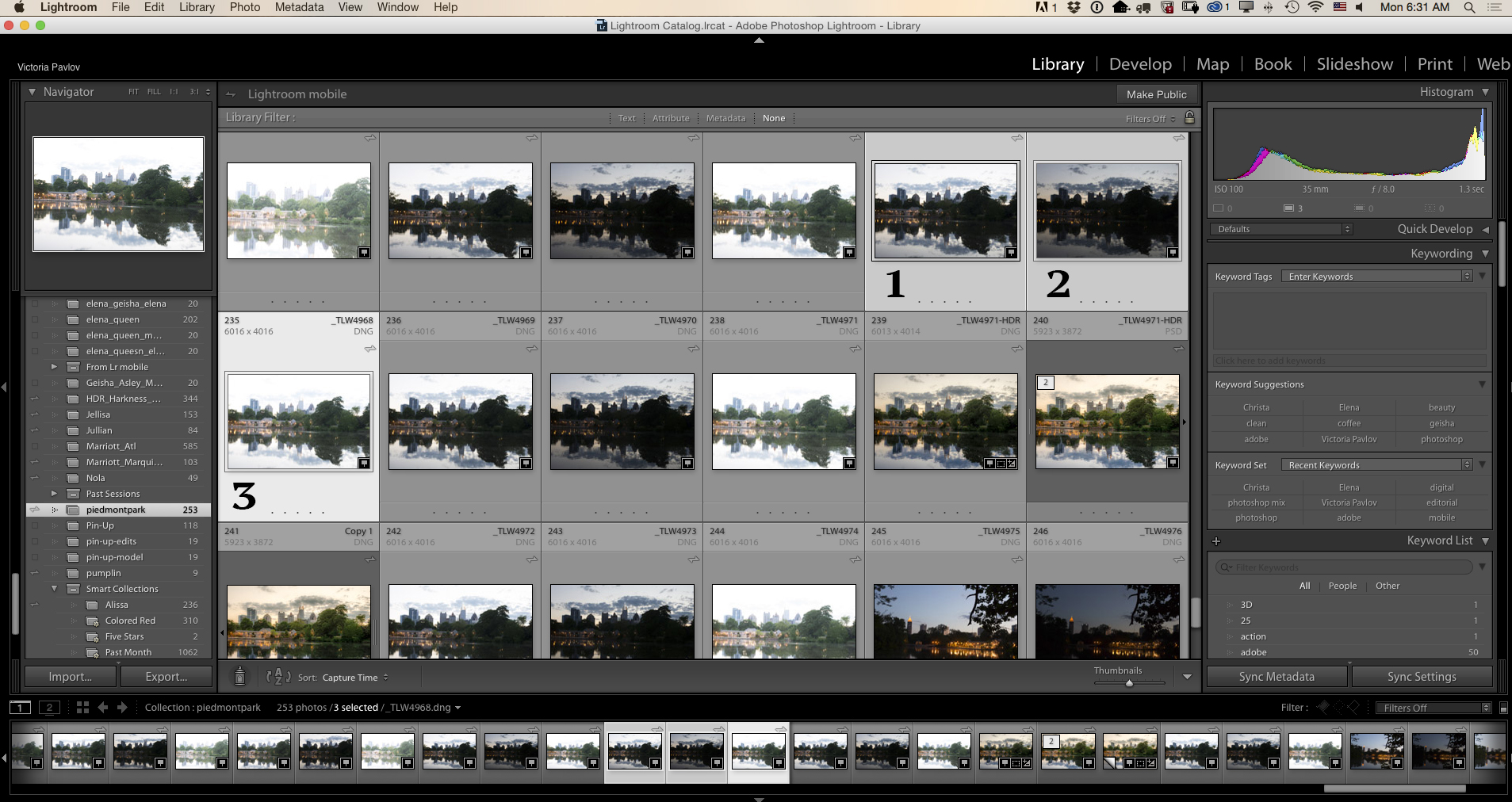
Merge to HDR in Adobe Lightroom CC
Select three images with different exposures (brackets)
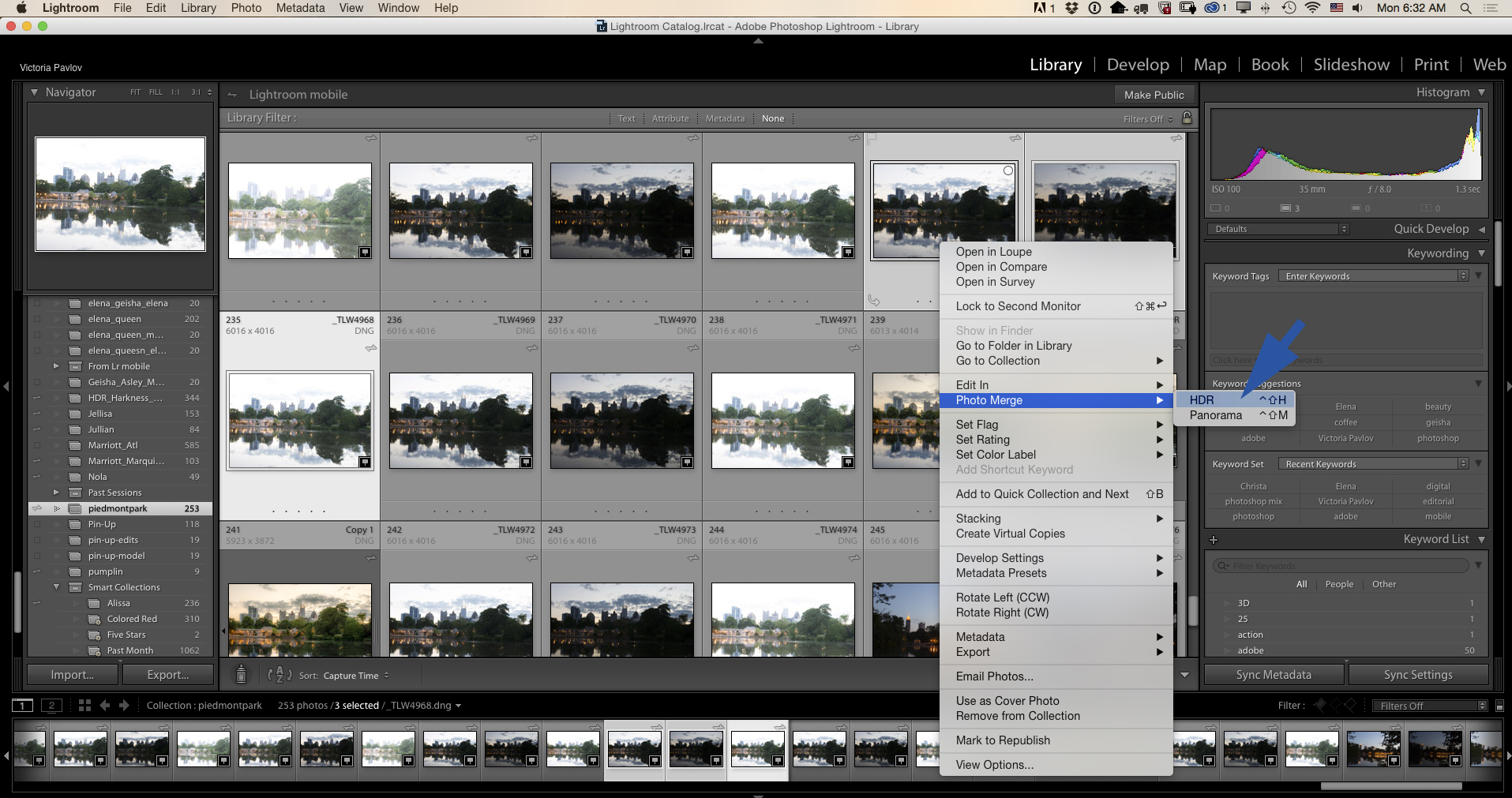
Right Click > Photo Merge > HDR
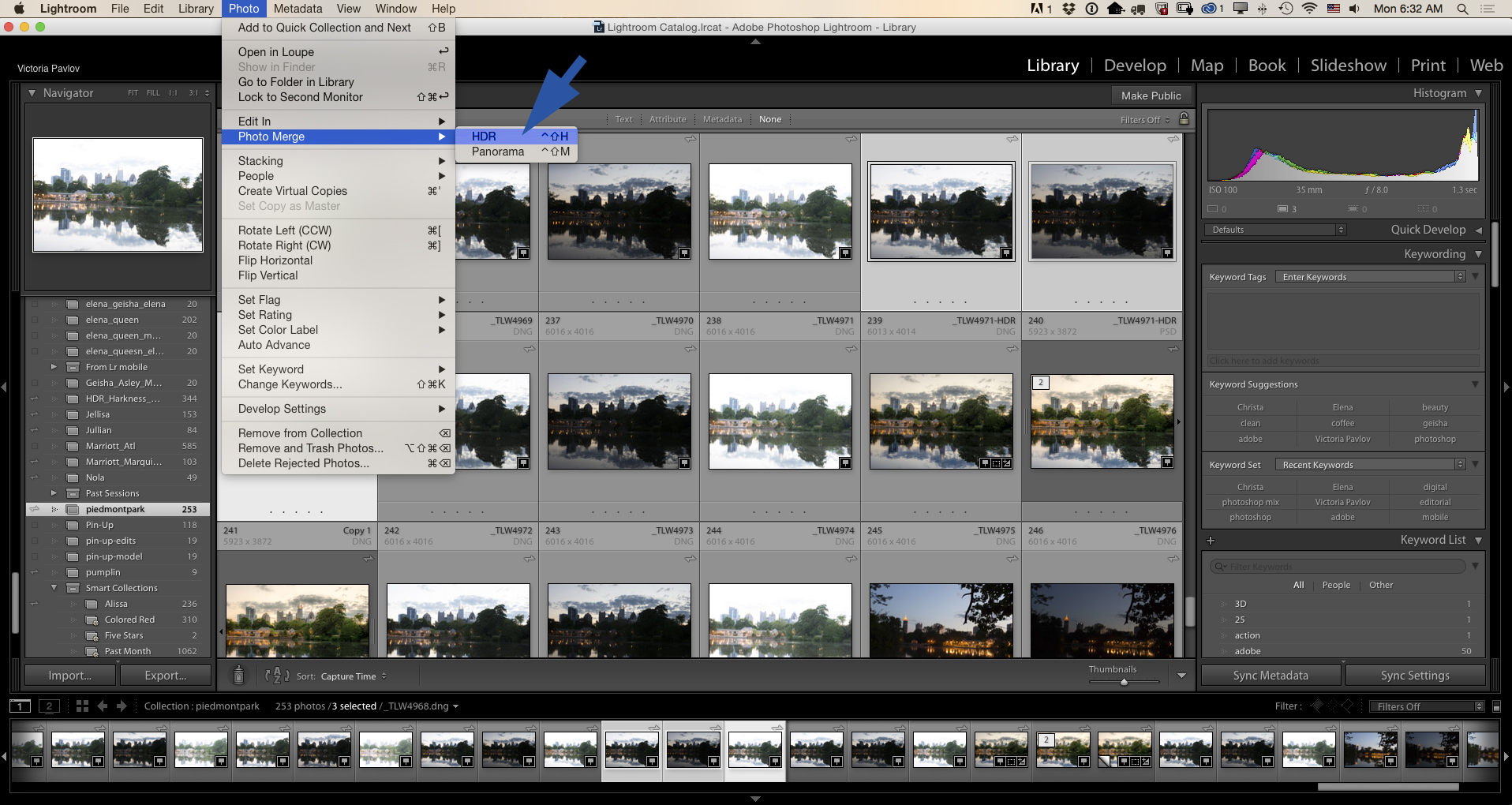
or Photo > Photo Merge > HDR
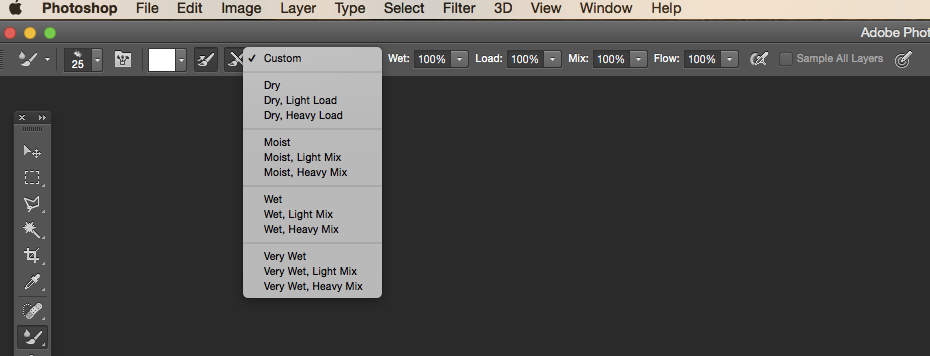
My Painting Setting
My painting setting:
Mixer Brush Tool
One Color ( Black or White )
Setting:
Custom
Window > Workspace > Painting
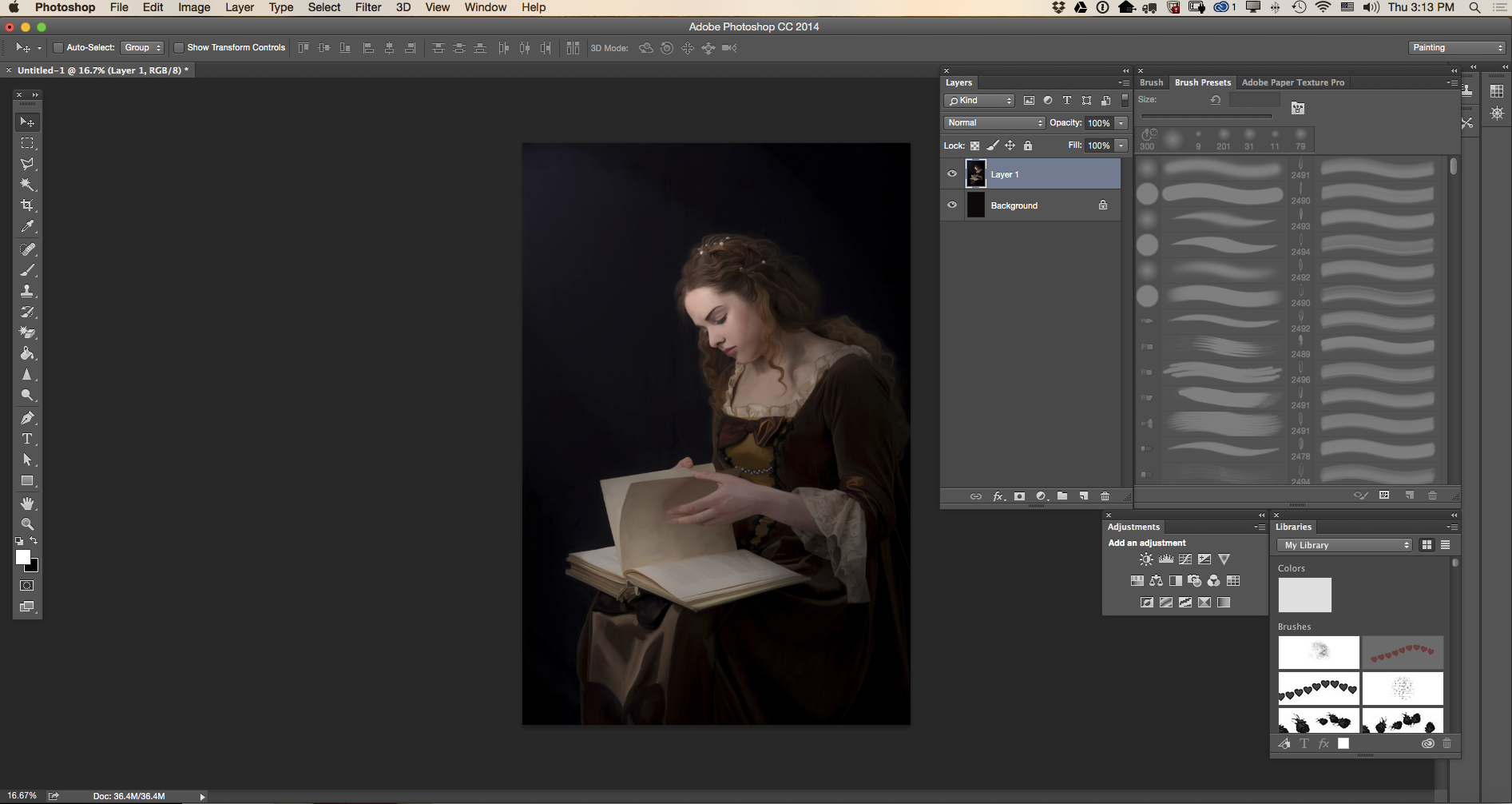
If you have any questions about Digital Painting with Adobe Photoshop, contact me @Victoria_Pavlov
Adobe Lightroom CC
HDR & Photo Retouching with Adobe Lightroom CC
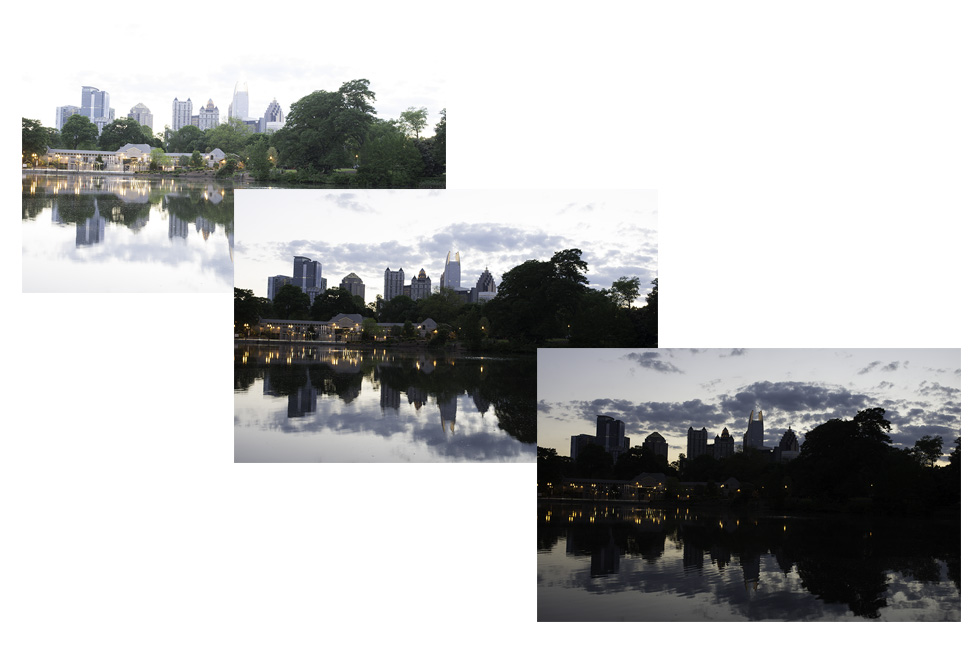
Photo > Photo Merge > HDR
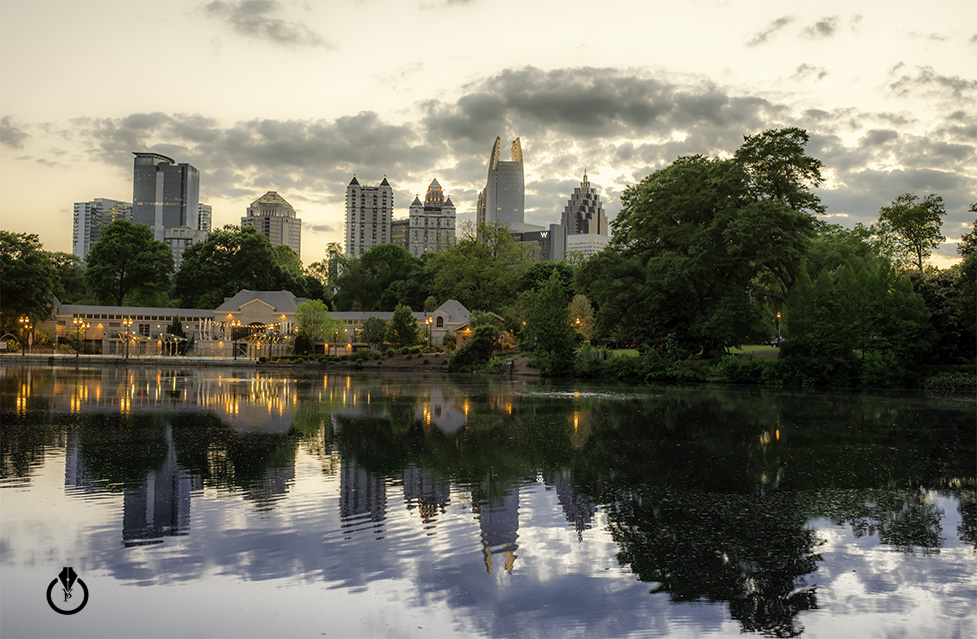
Photo Retouching