Tag Archives: photoshop training

My New Online Training Site

I’m very please to announce my NEW online training site! “Everything Digital” 

About my training site: my main goal is inspire you and make your digital workflow more enjoyable. All of my tutorials are recorded in a conversational manner. No “robotic” talking head tutorials. I want to have a conversation with YOU. I want to make the learning experience more enjoyable. Here you will find different tutorials: from beginner to advanced level. I believe that the learning experience is suppose to be enjoyable and a two-way conversation.  

In my All Digital course you will be able to access all of my courses for one monthly payment of $15.00 

My Books on Amazon:
Digital Painting for Photographers in Adobe Photoshop CC
Adobe Mobile Apps
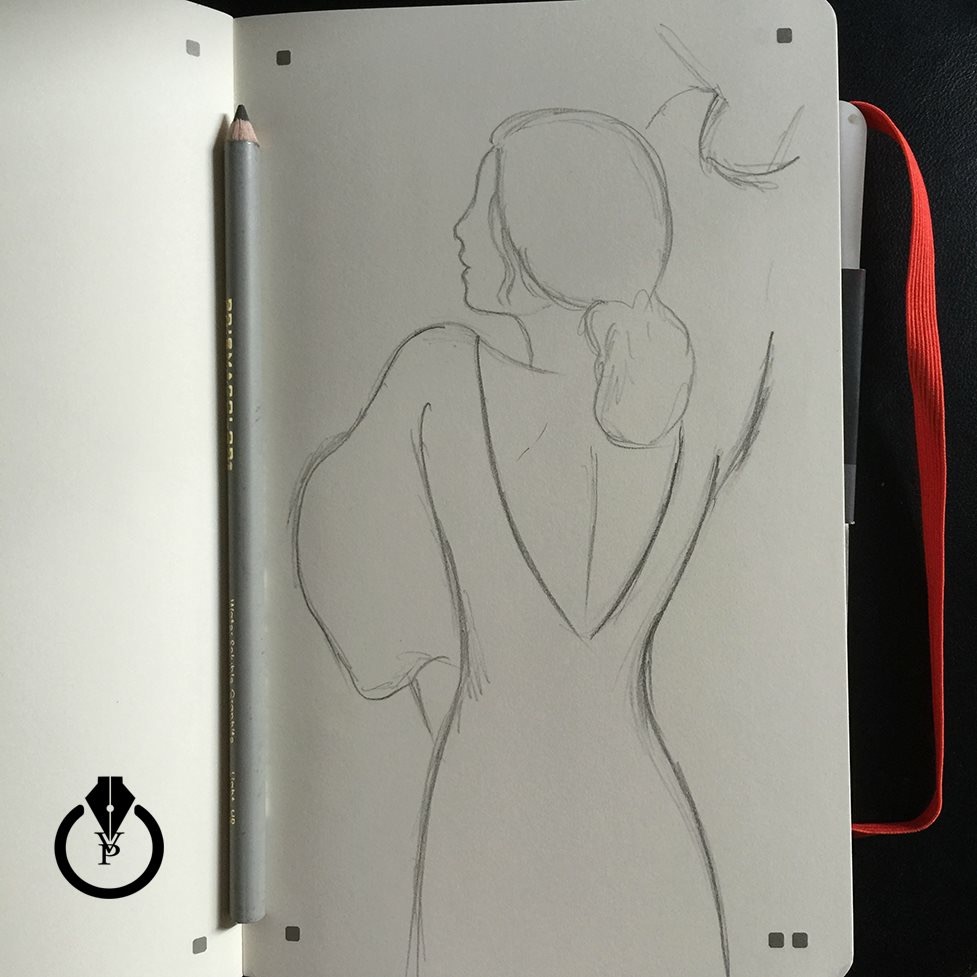
From “traditional” to digital painting

I always believed that we have reached the point that there are no more boarders between “traditional” and digital art.  Using Moleskine and Adobe apps we can jump from a “traditional”  pencil painting to digital painting using Adobe Photoshop CC.

I started my project using the  Moleskine Smart Notebook (Creative Cloud connected )

IMG_3294


Using the FREE  Moleskine, a Creative Cloud connected app I took picture of my sketch . The image was saved in my Creative Cloud folder.

IMG_3293

And I finished my project in Adobe Photoshop CC  using a Wacom Tablet

11010990_10155744478600392_7108298322535764797_n

Wacom Intuos Pro Pen and Touch Medium Tablet (PTH651)

Wacom Cintiq 13HD Interactive Pen Display (DTK1300)


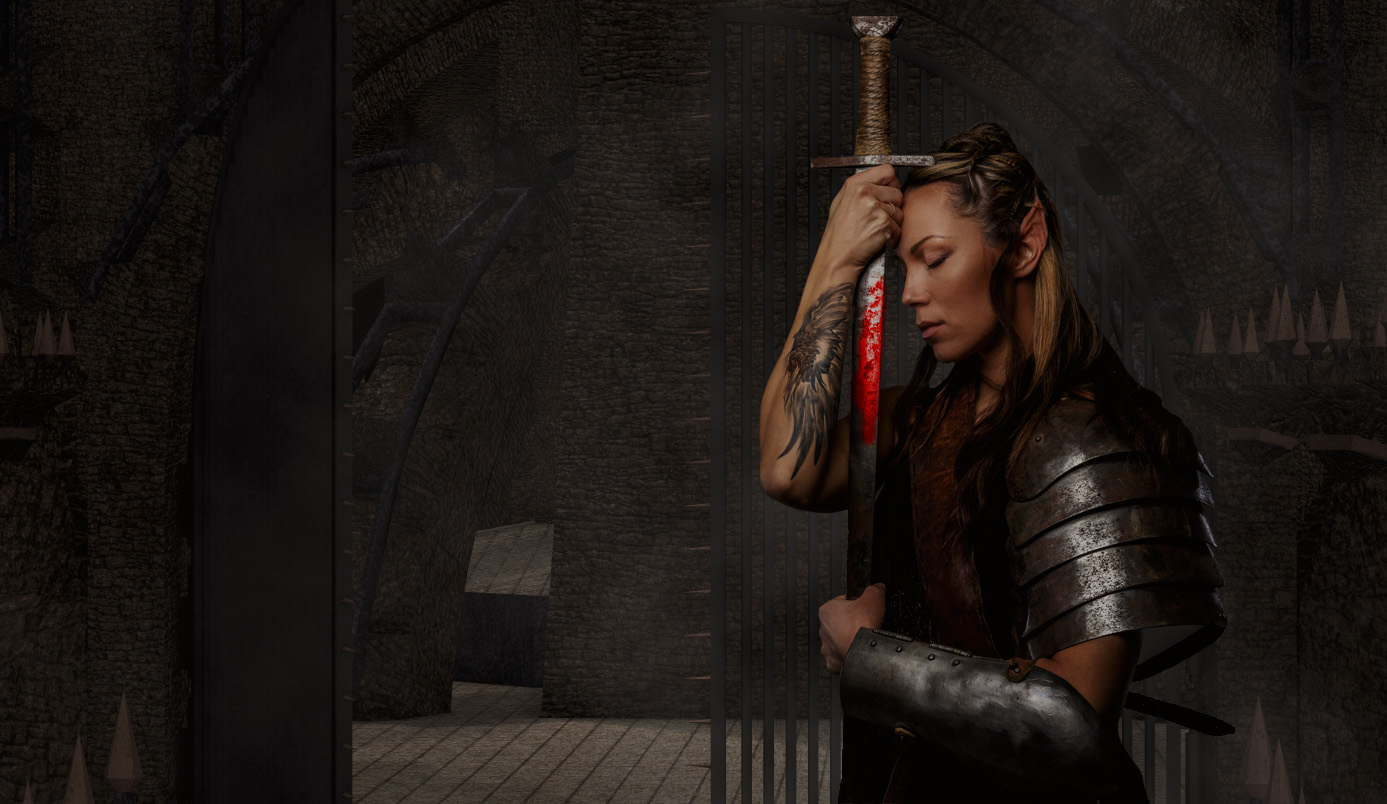
“Warrior” Tutorial

How to create Warrior Image with Adobe Photoshop

Final

Warrior Tutorial

24 Hours of Photoshop Tutorials

I released 24 Hours of Photoshop Tutorials. One video each hour.

24 Hours Of Adobe Photoshop Tutorials

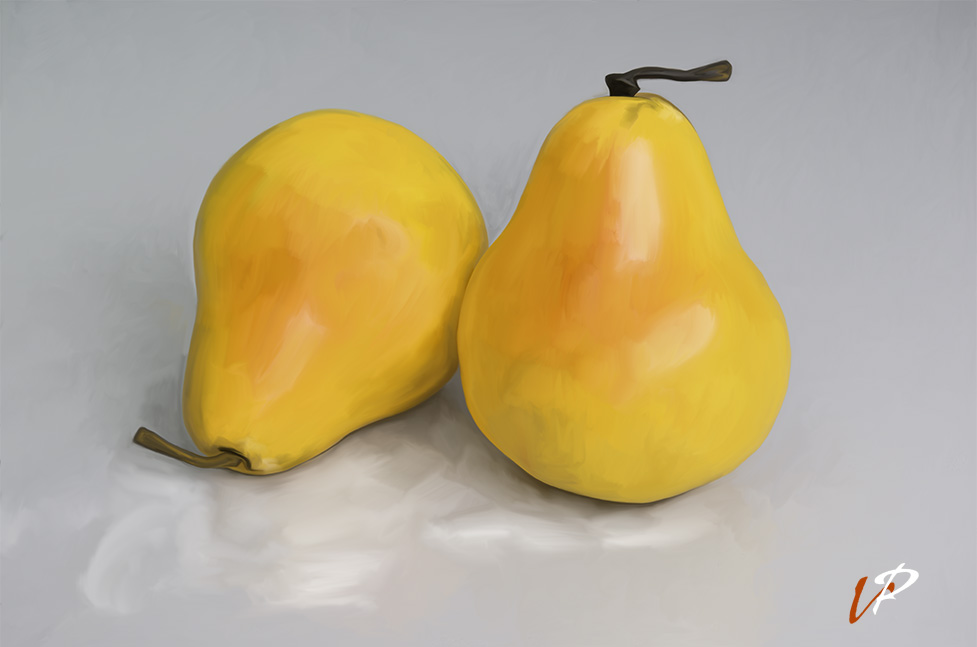
Painting with Mixer Brush Tool

Painting with Mixer Brush Tool in Adobe Photoshop CC Tutorial

YouTube Video

Victoria Pavlov Studio

24 hours of Photoshop

On April 21st I will release 24 hours of Photoshop tutorials on YouTube. It will be one video released every hour for 24 hours of Adobe Photoshop techniques. Its FREE. Now I am asking you for topics that you would like to see covered during my 24 hours of Photoshop?

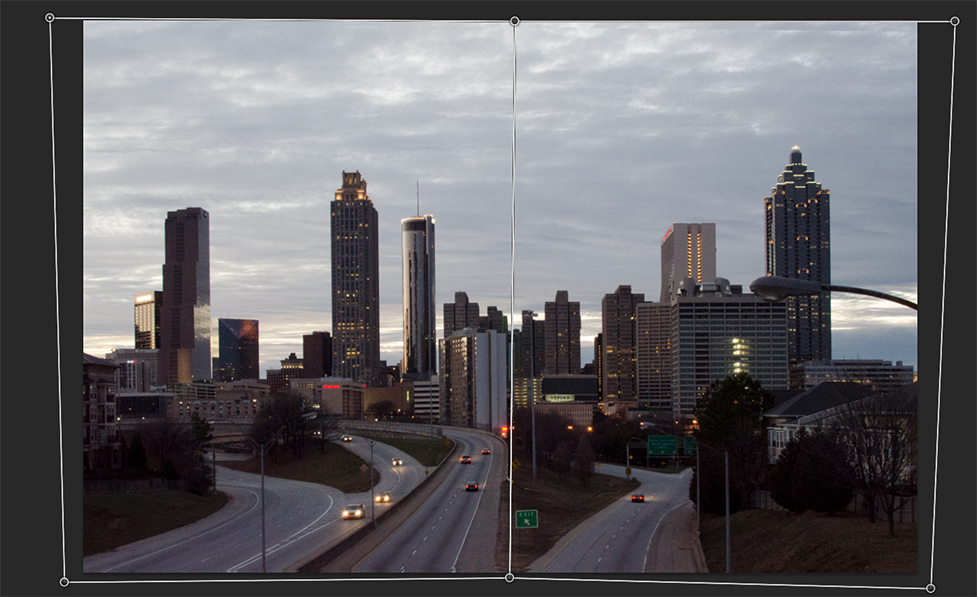
Perspective Warp

Perspective Warp is the great tool to improve landscape photography. Edit – Perspective Warp

Perspective Warp

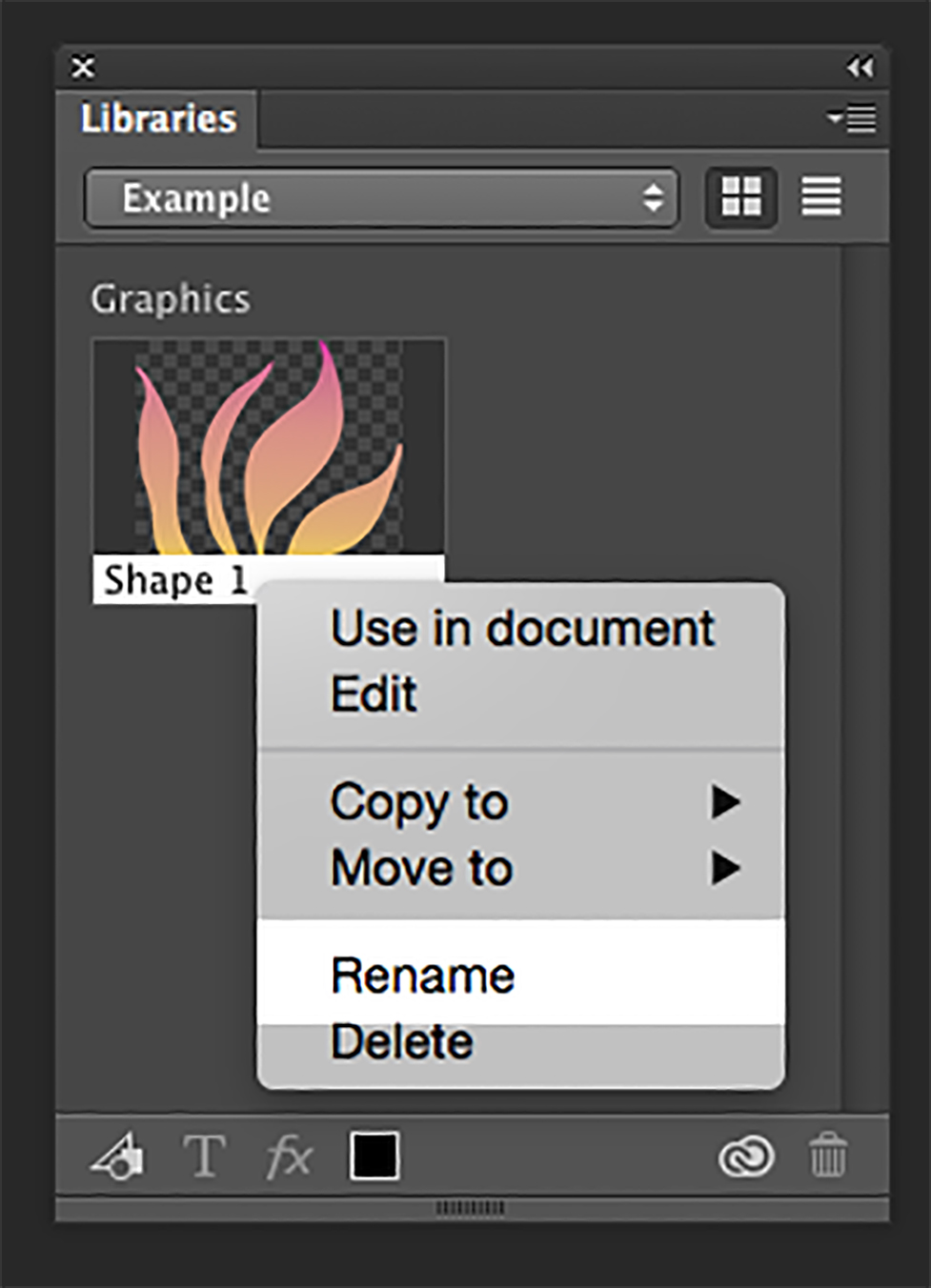
Photoshop CC Library – Part 1

To add an icon, logo element or anything else from your open Photoshop CC document into your Library panel simply click on it and drug your into your Library Panel. Right click on a Library item – rename your item.

1

Adobe Photoshop User Group

Join our FREE Adobe Photoshop User Group

Join Now

Photo Retouching Using Camera Rw

Photo Retouching in Adobe Photoshop CC 2014 using Camera Raw

Before / After Example

YouTube Video