Category Archives: Adobe Photoshop

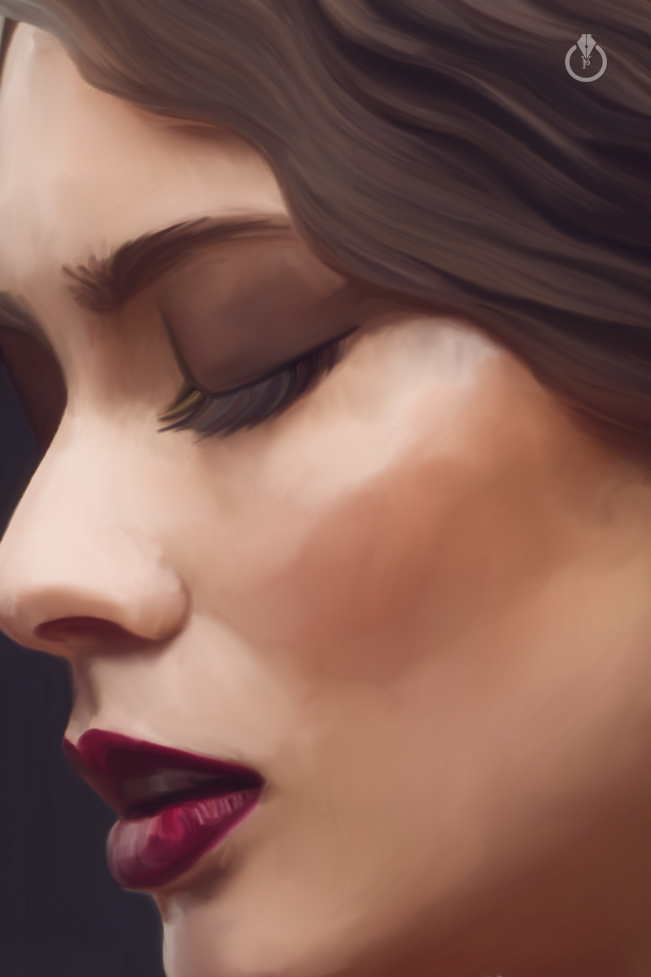
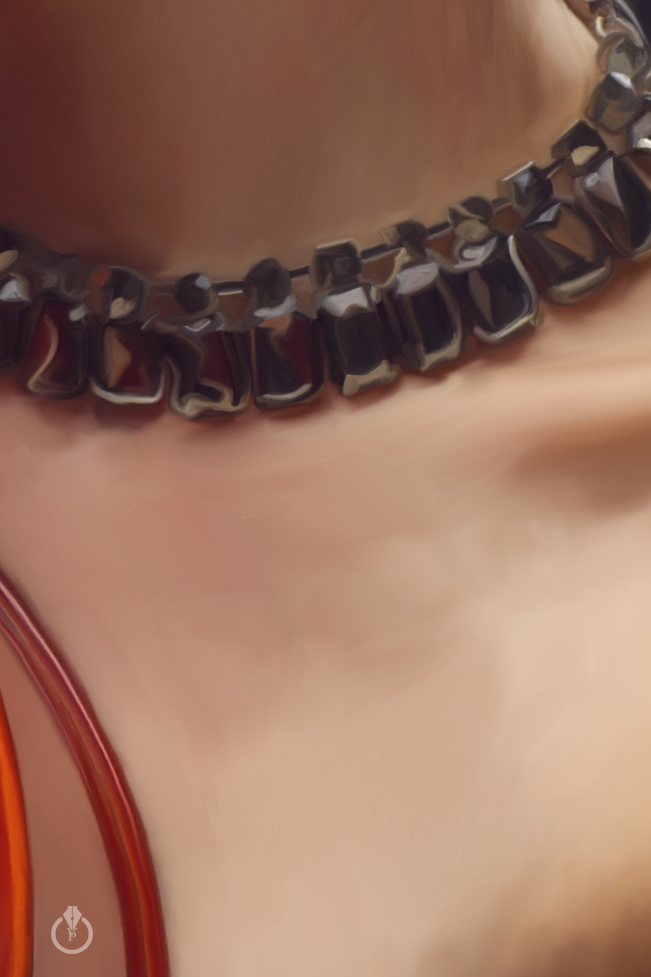
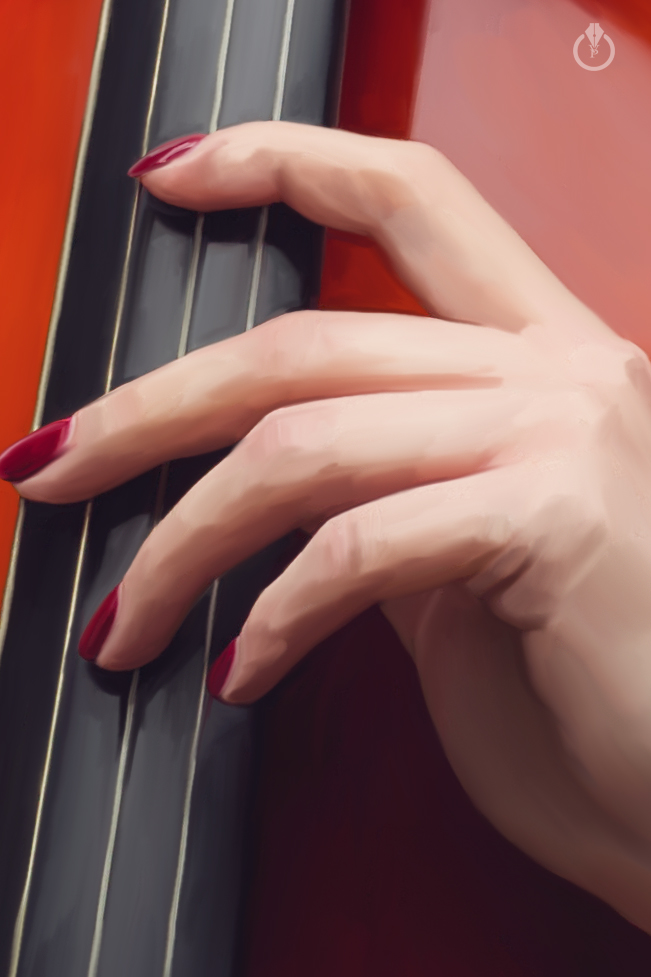
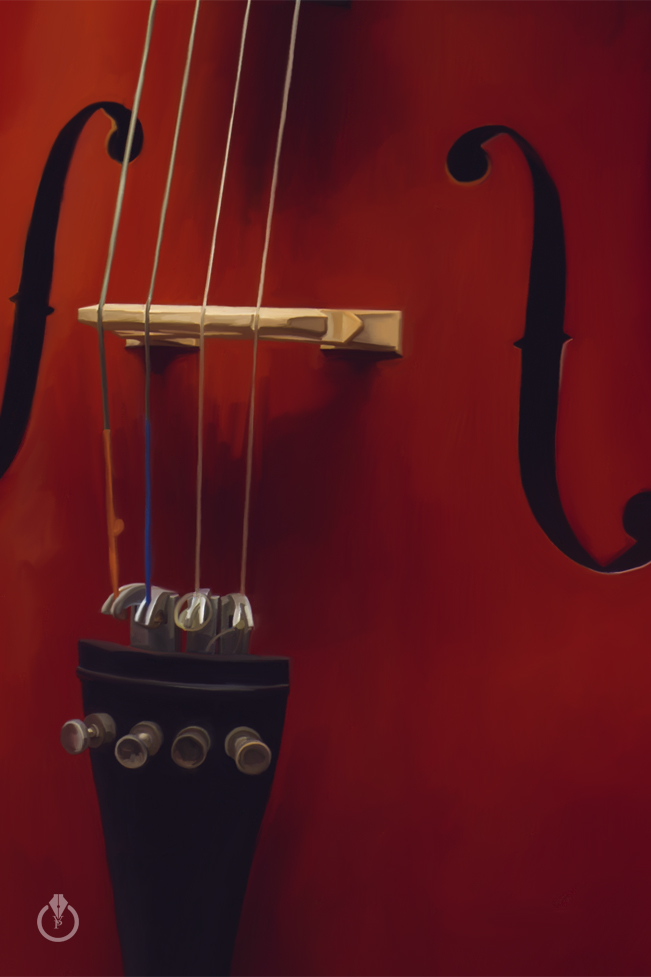
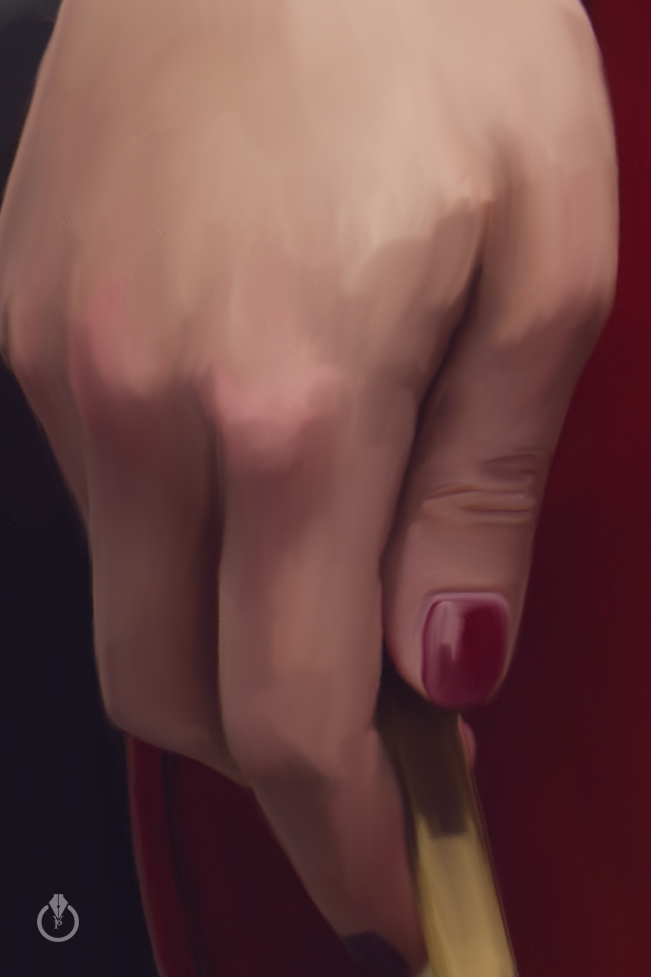
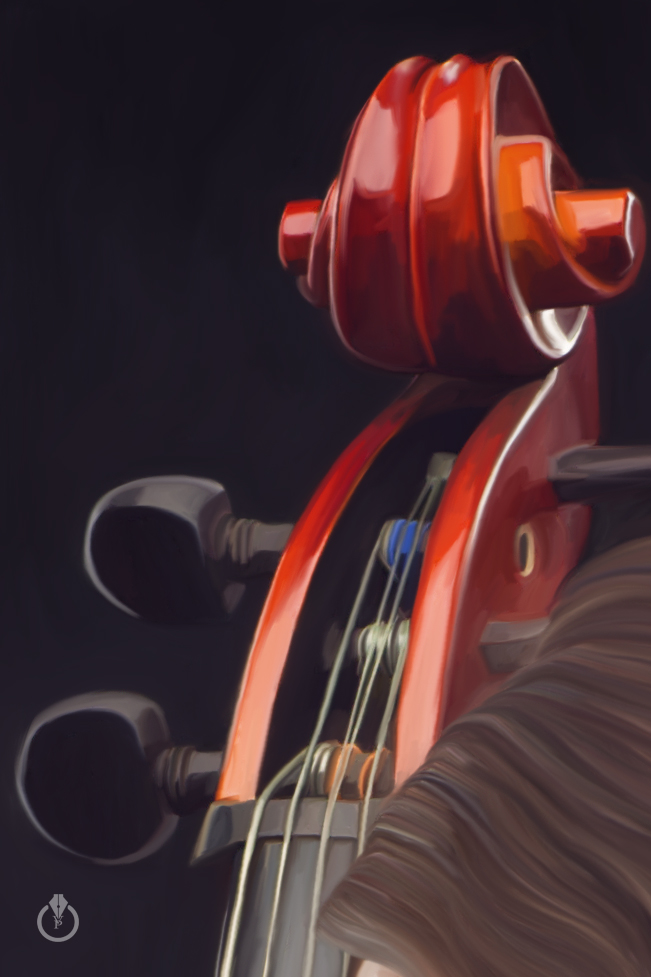
Musician

Musician painted in Adobe Photoshop CC and Wacom using Mixer Brush Tool
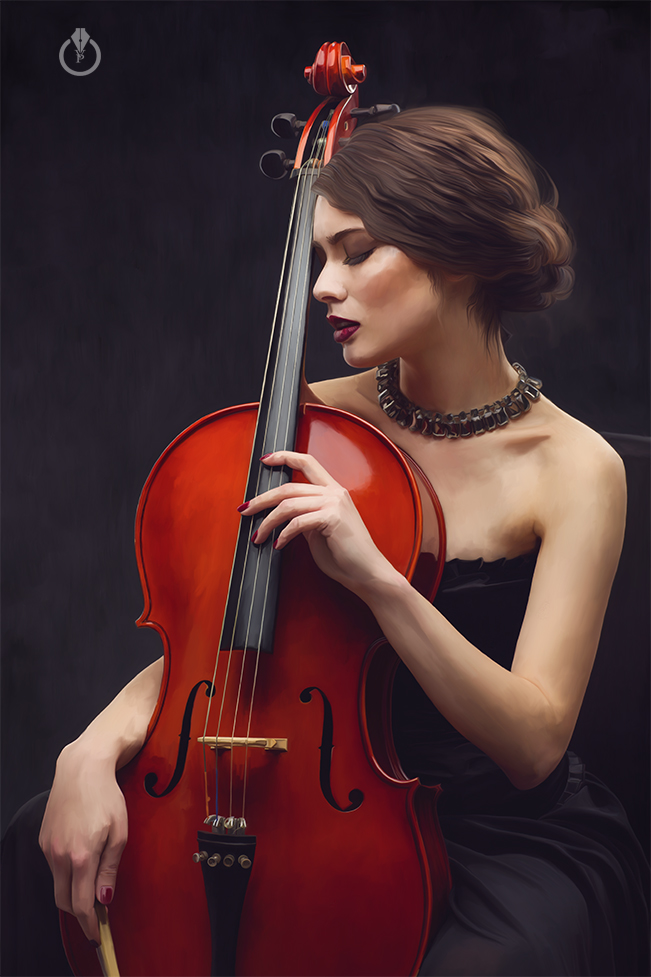
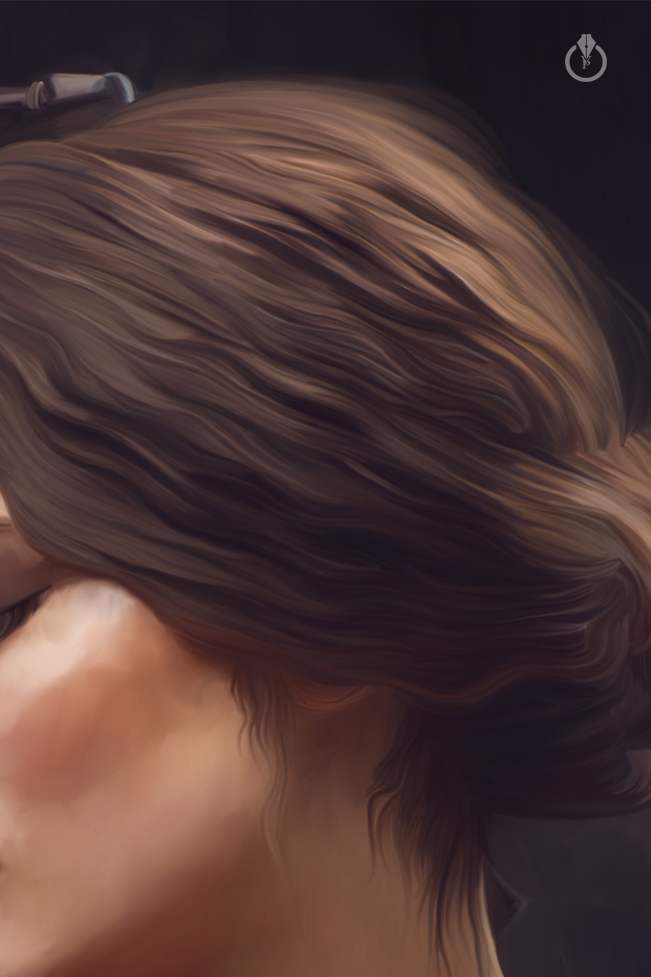
Painted with Adobe Photoshop CC & wacom

Terminator

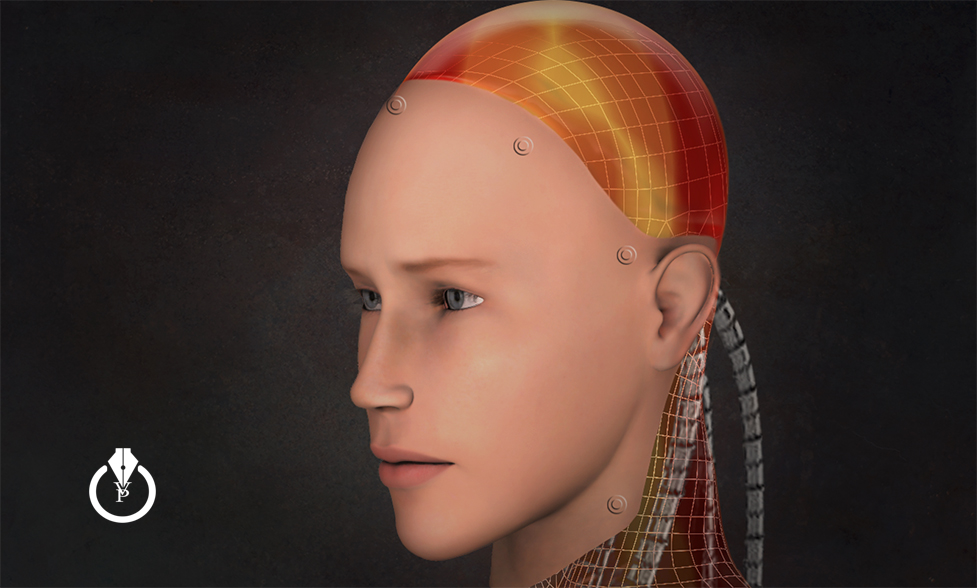
Terminator ( inspired by Terminator Genisys Movie )
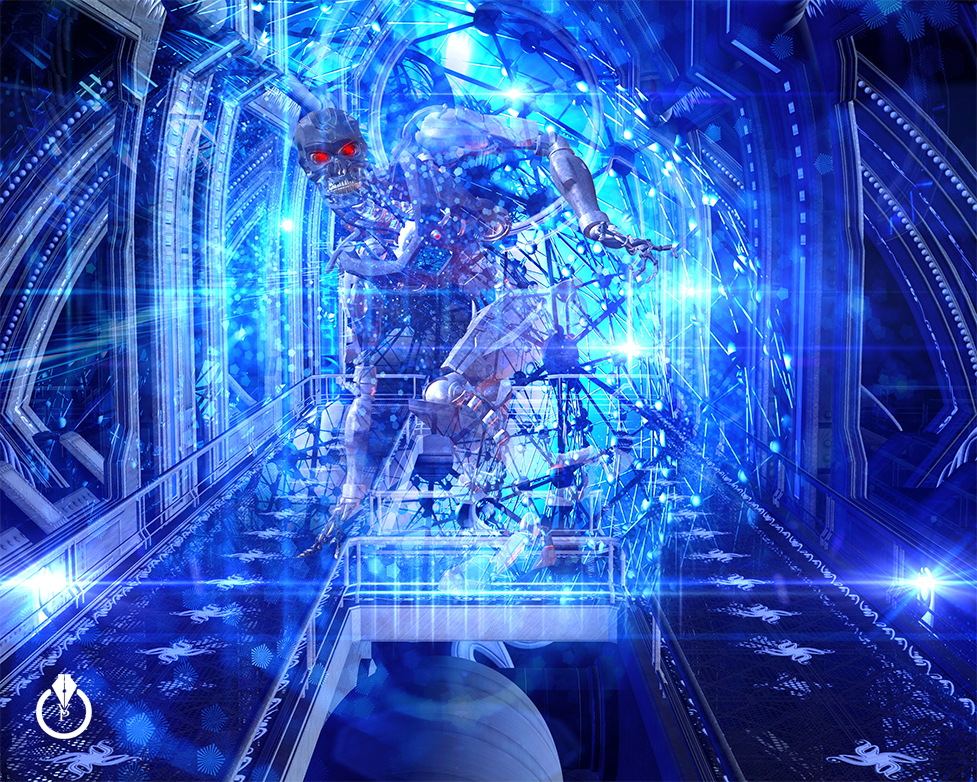
The Terminator

Add Color to Your Photoshop Menus

To speed up your working process simply add colors to your Photoshop menus

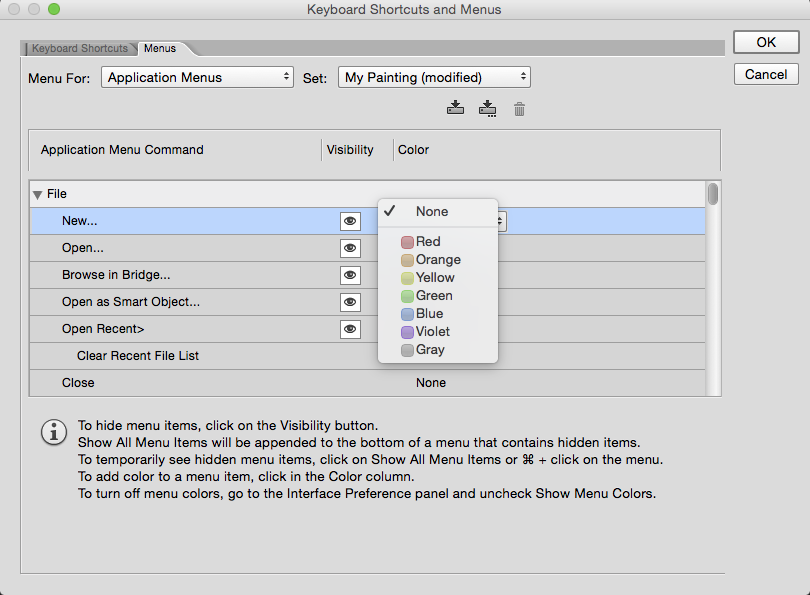
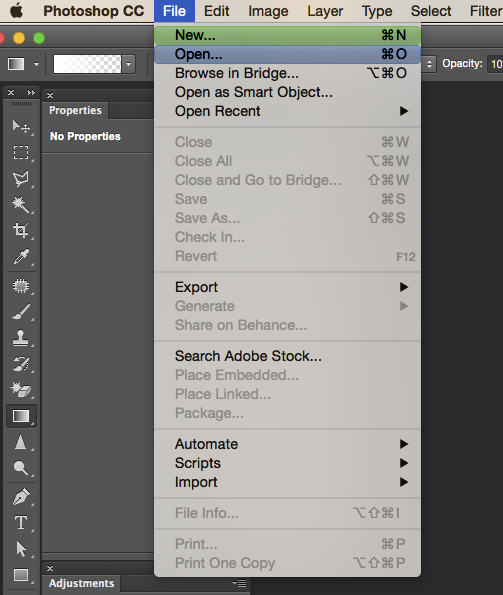
Select “Menus” from the “Edit” drop down menu
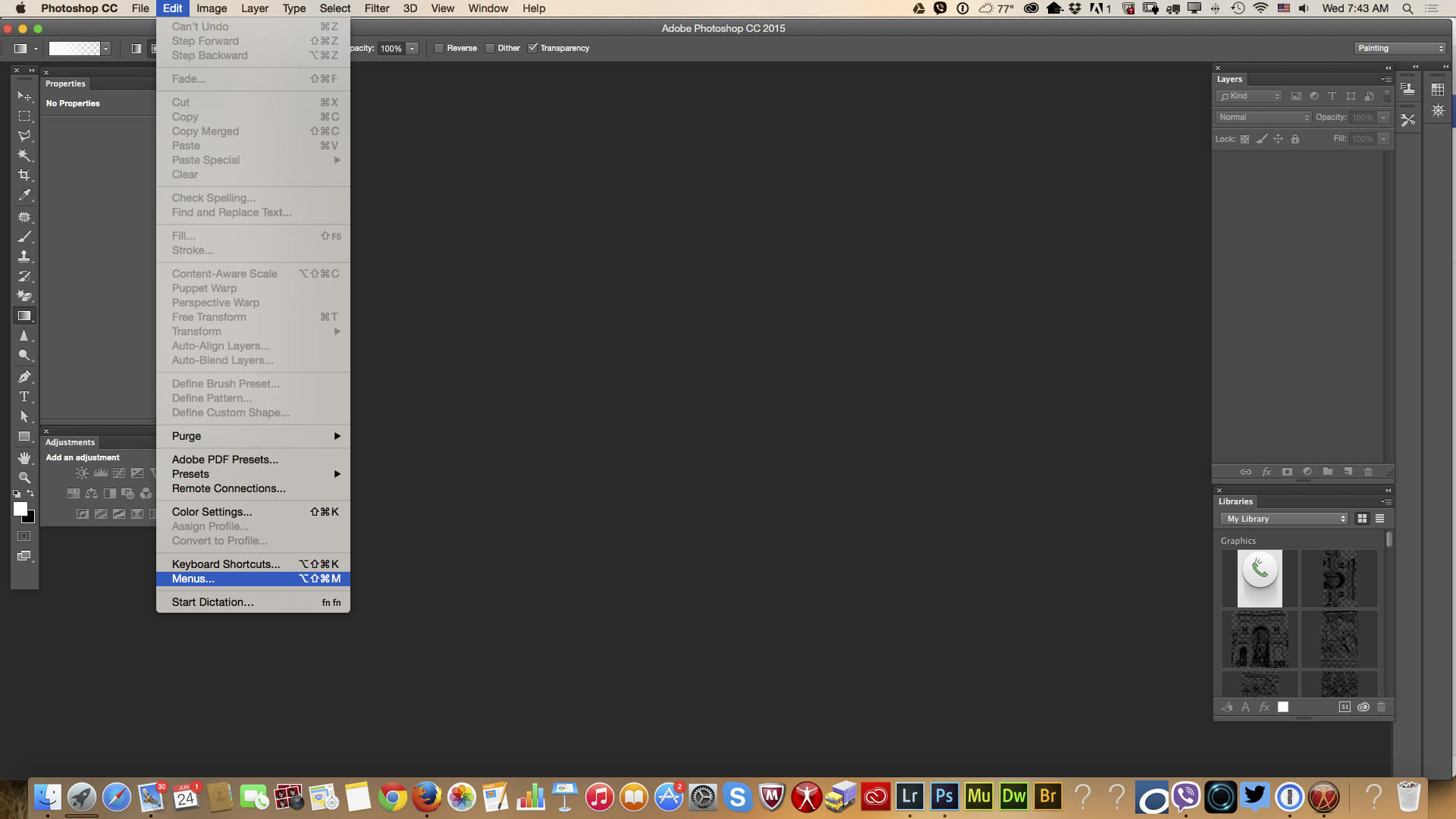
Screen Shot 2015-06-24 at 7.43.28 AM

Click on Menus tab
Screen Shot 2015-06-24 at 7.43.43 AM

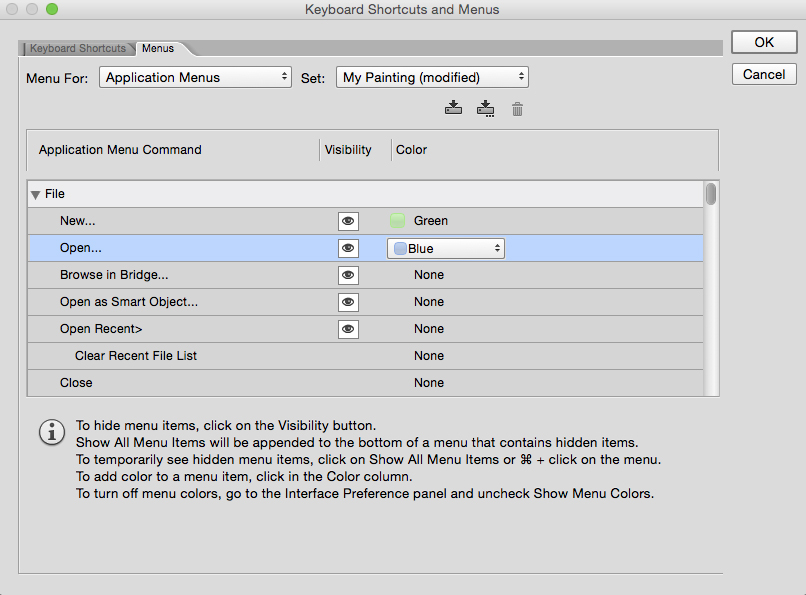
To apply a color to a command > click in the color column and choose a color
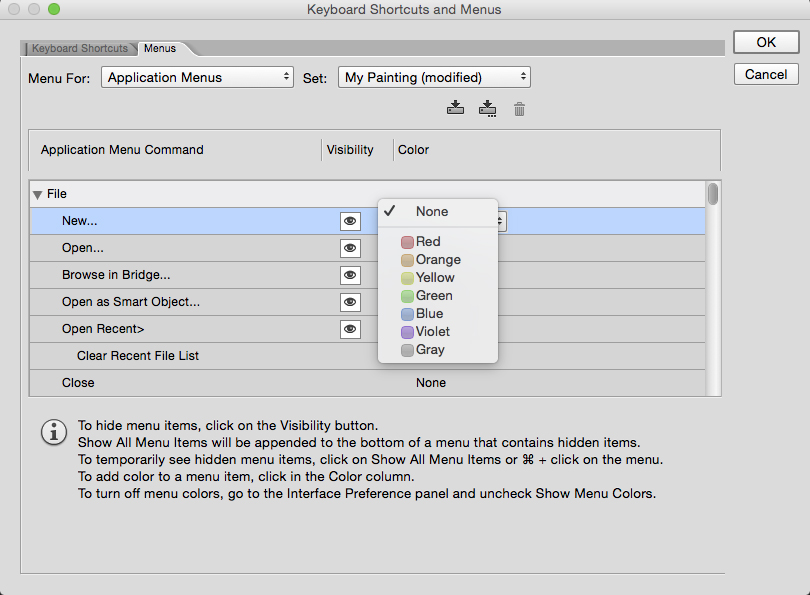
Screen Shot 2015-06-24 at 7.43.43 AM copy Screen Shot 2015-06-24 at 7.44.09 AM copy Screen Shot 2015-06-24 at 7.44.30 AM

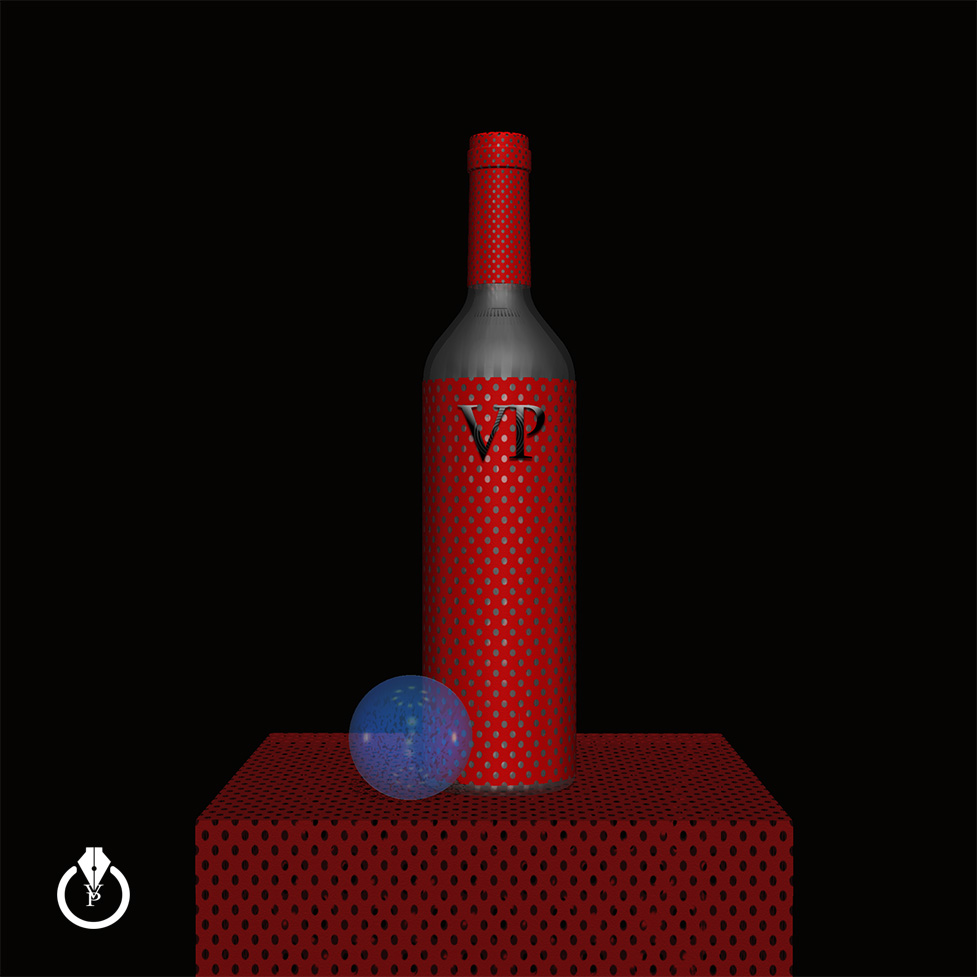
Still Life in 3D

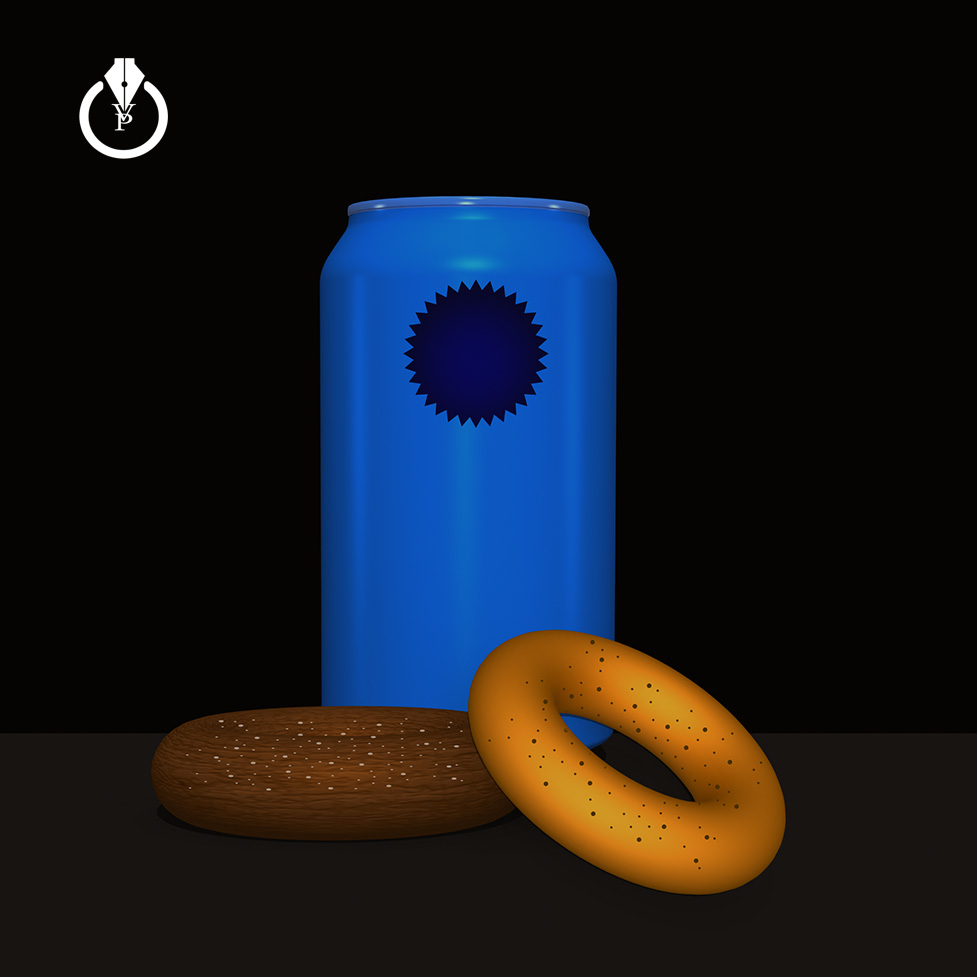
Still Life in 3D with Adobe Photoshop CC 2015

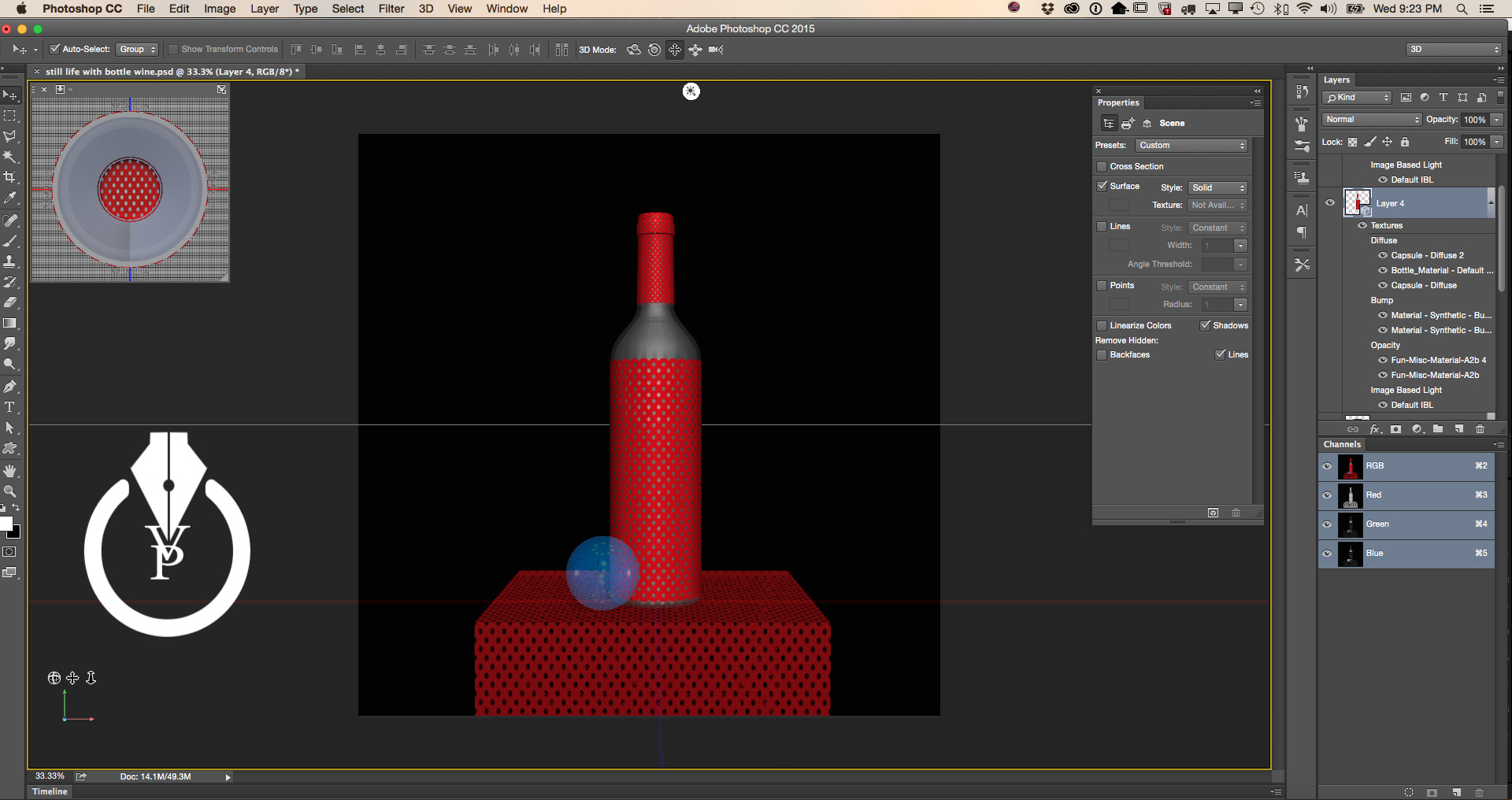
All 3D object were created with Adobe Photoshop:

3D > New Mesh from Layer > Mesh Preset
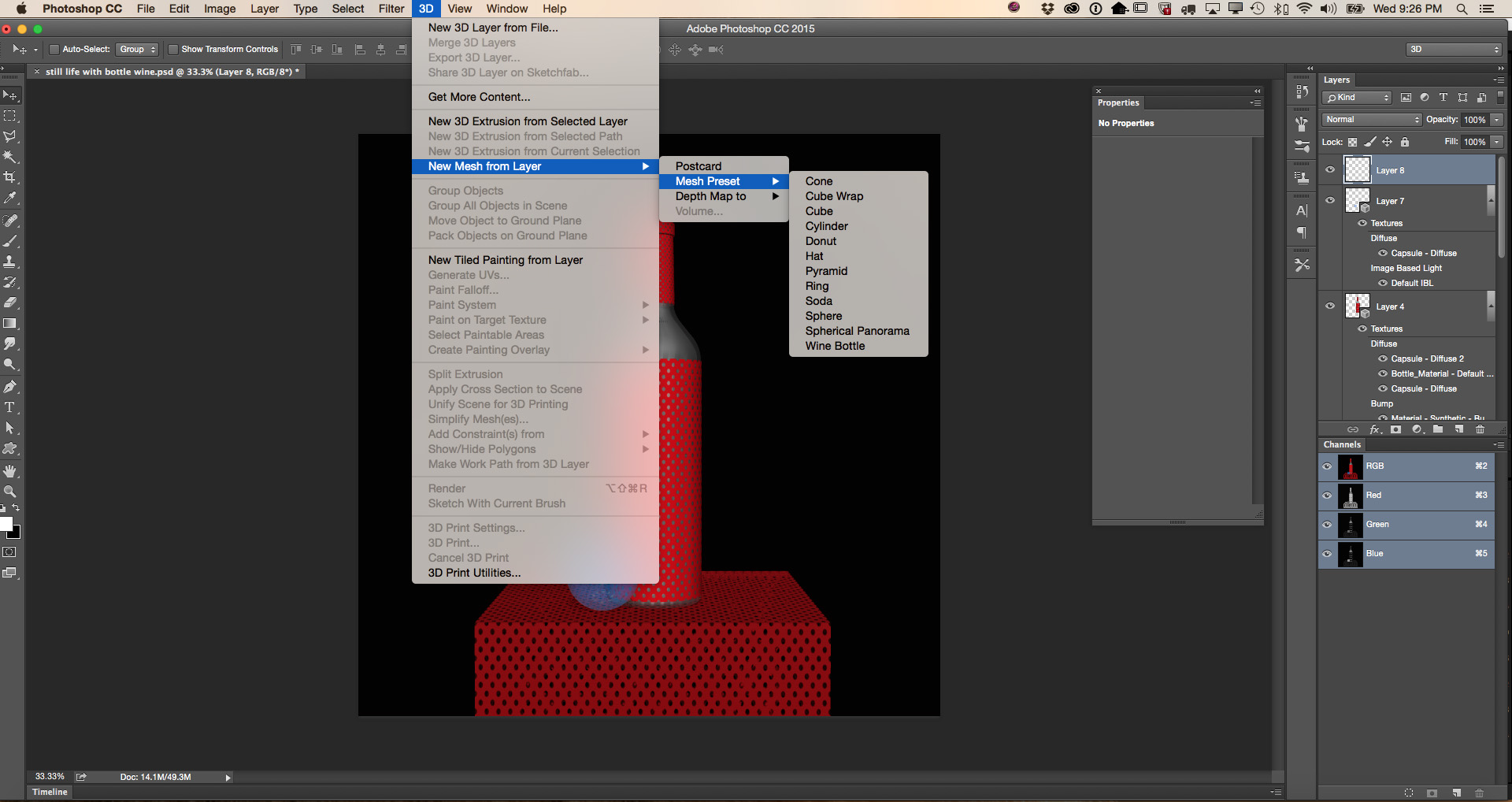
Screen Shot 2015-06-17 at 9.26.58 PM

Screen Shot 2015-06-17 at 9.23.55 PM

Adobe Photoshop CC 3D

Still Life

Milan Cathedral with Adobe Creative Cloud and Mobile

Duomo di Milano with Adobe Creative Cloud & Mobile

Adobe Slate

Dehaze with Adobe Photoshop CC

Dehaze with Adobe Photoshop CC

Before:
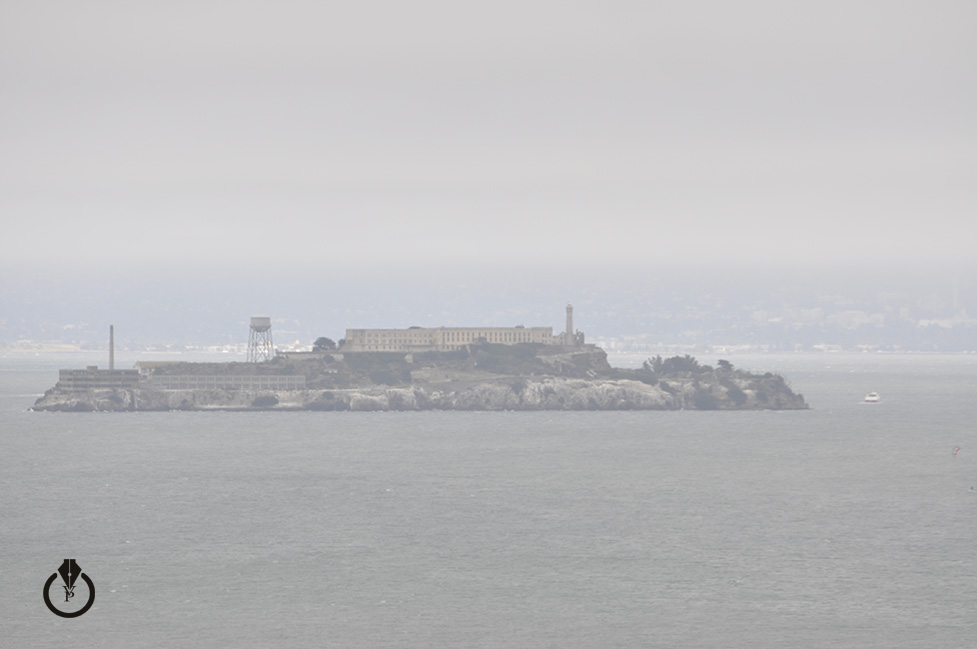
Adobe Photoshop Dehaze

After:

Adobe Photoshop Dehaze

The Soul

The Soul painted with Adobe Photoshop CC and Wacom.
I used three stock images from Dollar Photo Club and Fotolia
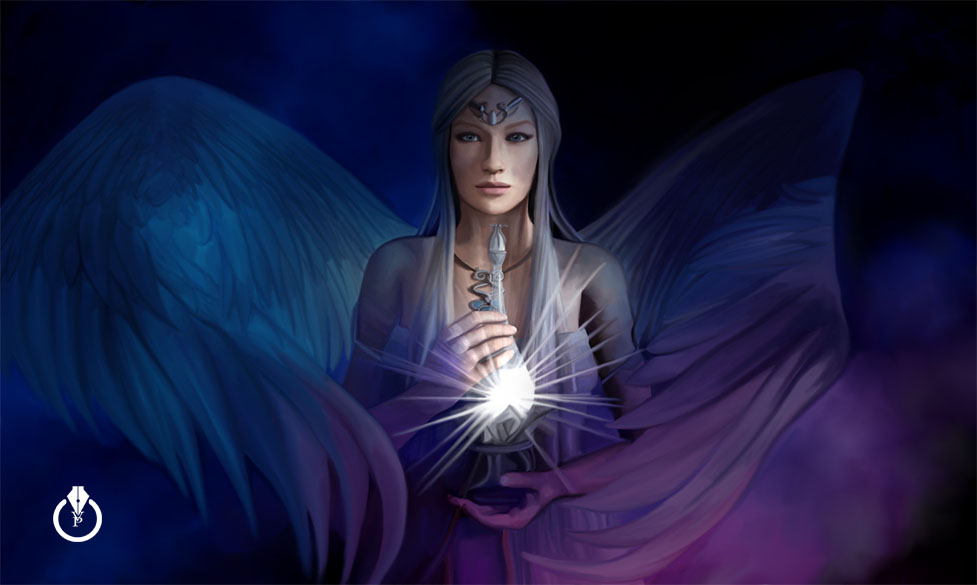
The Soul

My digital painting

Some of my digital paintings with Adobe Photoshop

YouTube Video
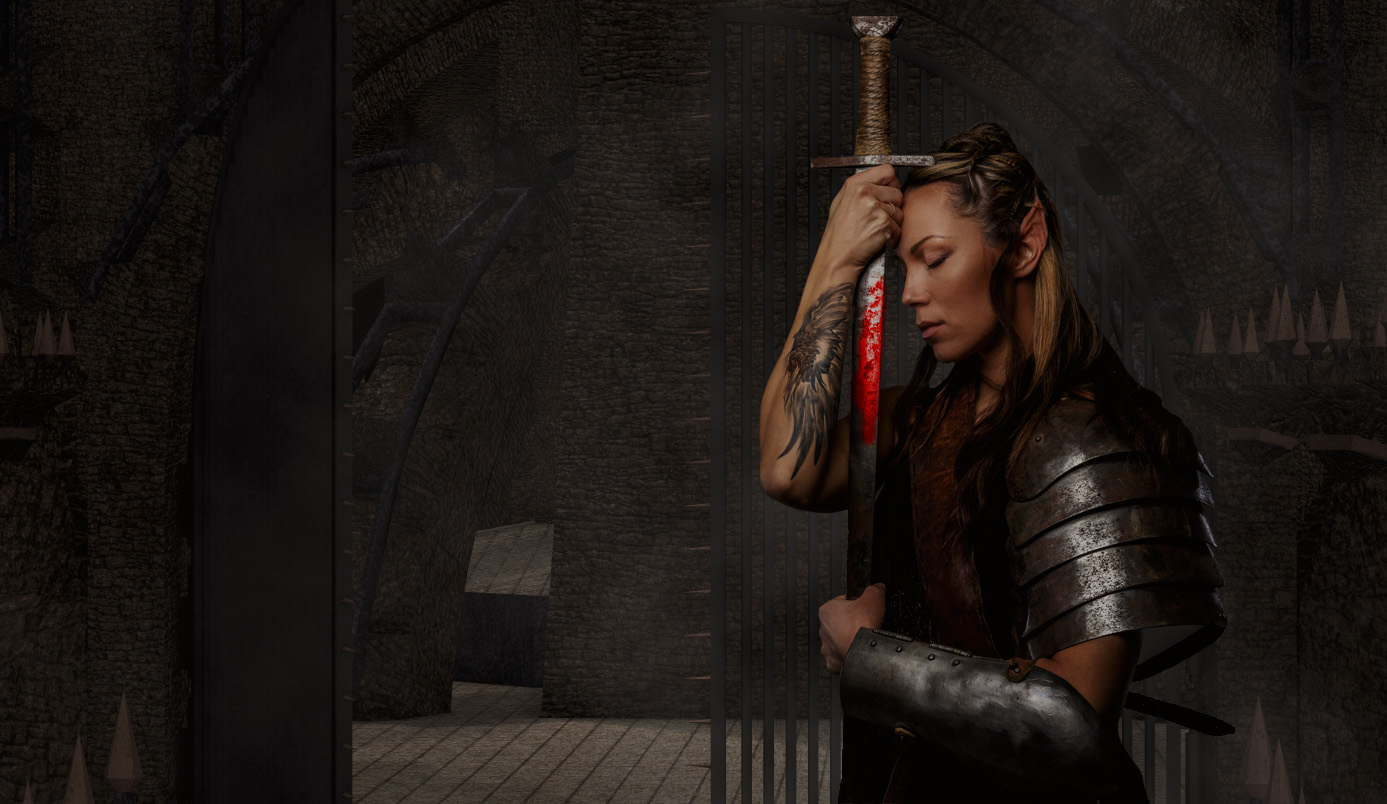
“Warrior” Tutorial

How to create Warrior Image with Adobe Photoshop

Final

Warrior Tutorial