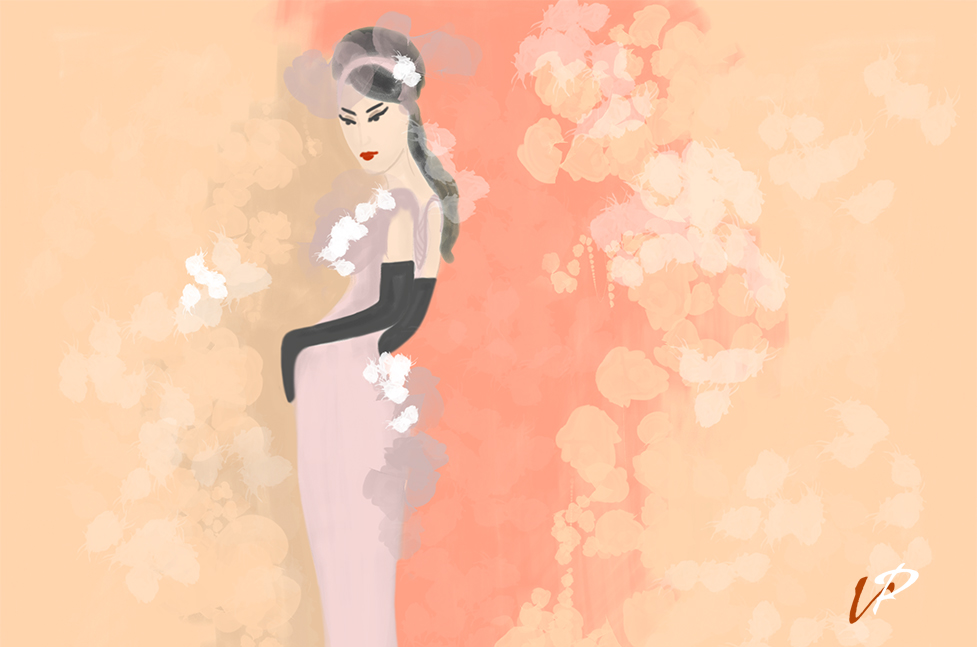
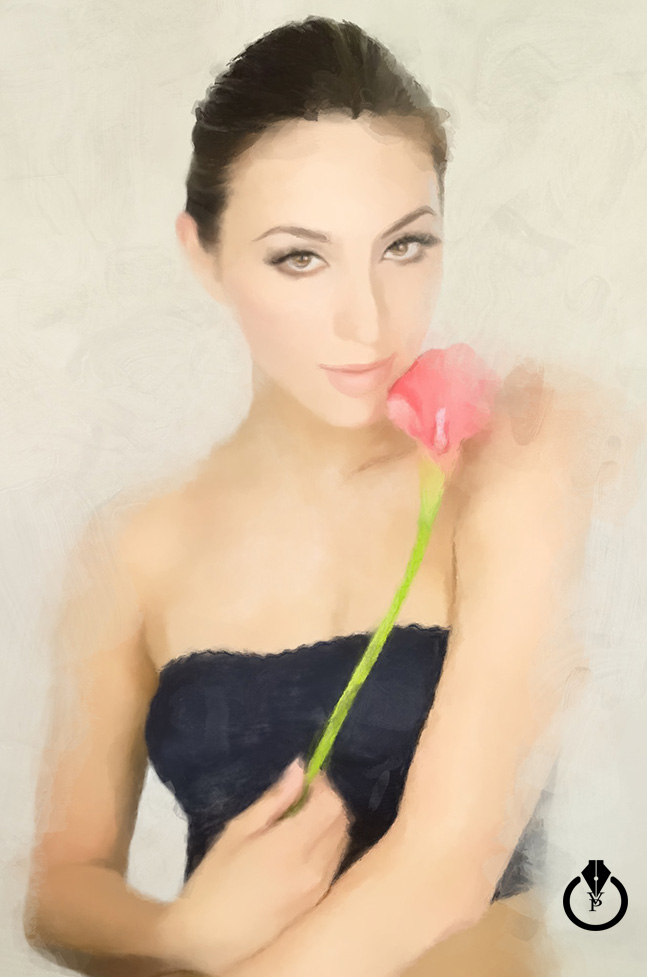
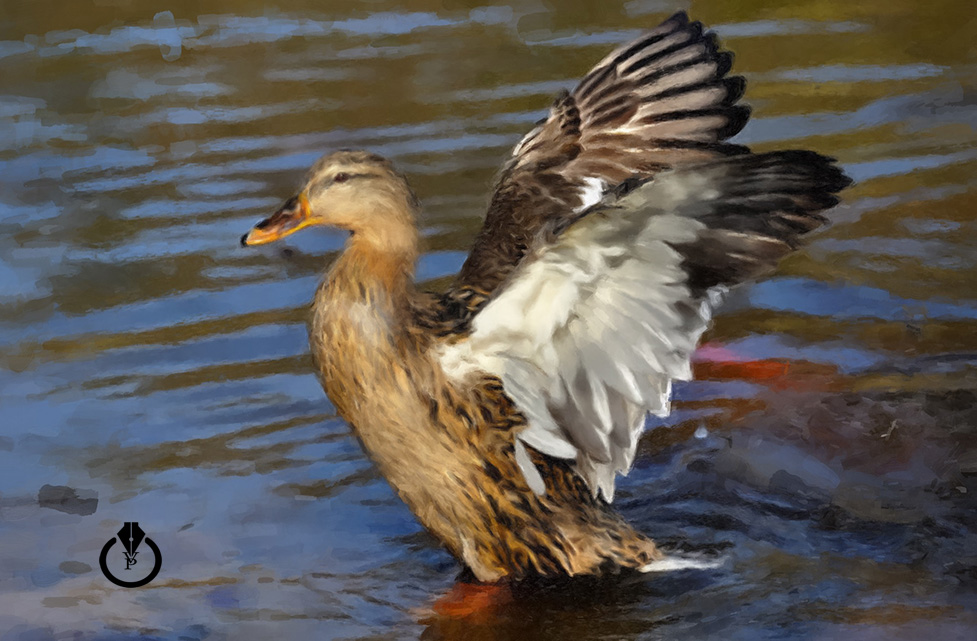
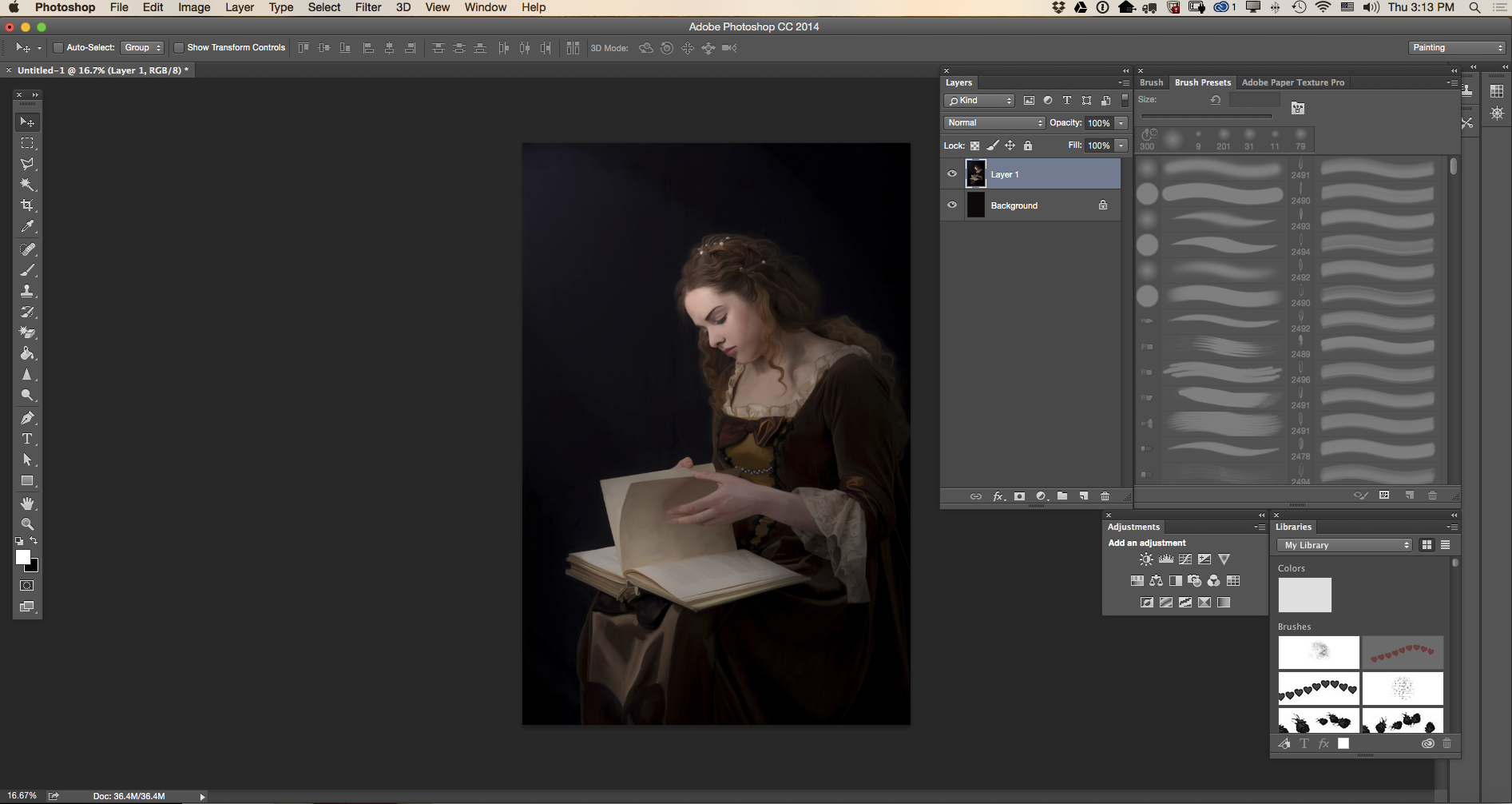
My painting setting:
Mixer Brush Tool
One Color ( Black or White )
Setting:
Custom
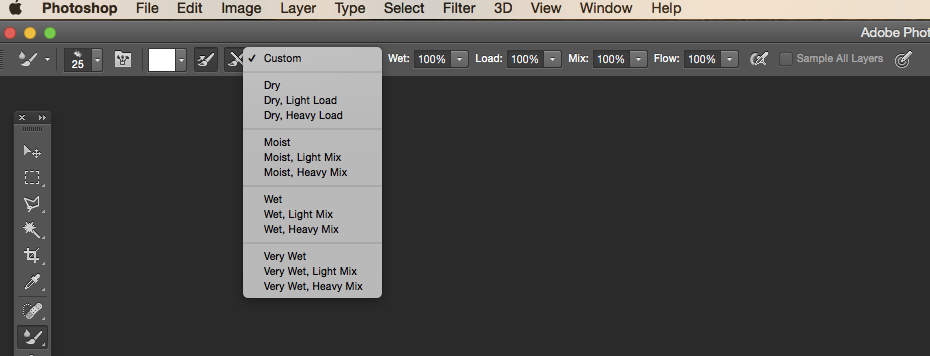
Window > Workspace > Painting
If you have any questions about Digital Painting with Adobe Photoshop, contact me @Victoria_Pavlov

My painting setting:
Mixer Brush Tool
One Color ( Black or White )
Setting:
Custom
Window > Workspace > Painting
If you have any questions about Digital Painting with Adobe Photoshop, contact me @Victoria_Pavlov
HDR & Photo Retouching with Adobe Lightroom CC
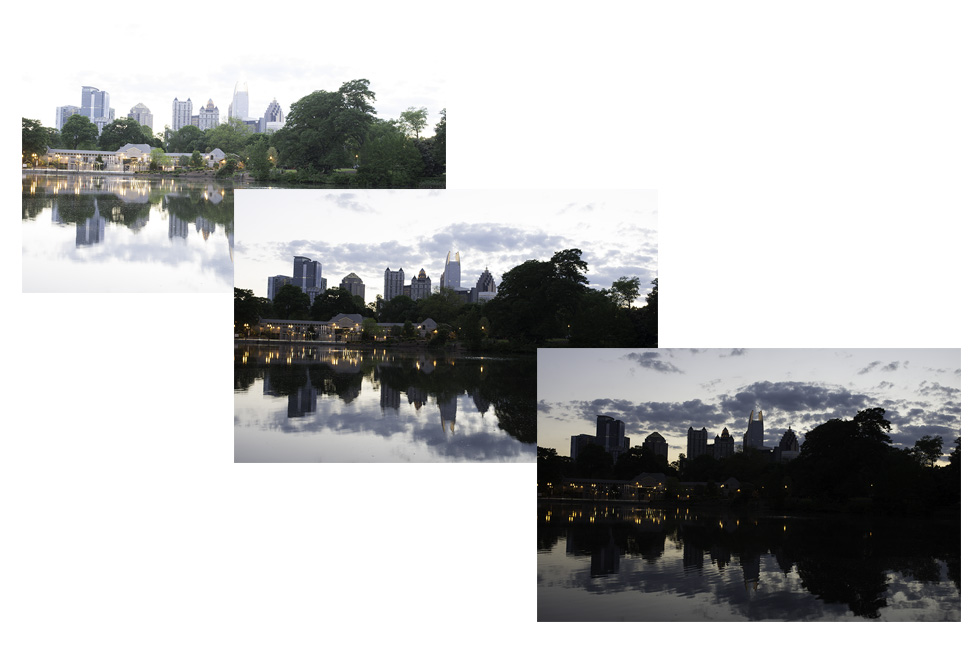
Photo > Photo Merge > HDR
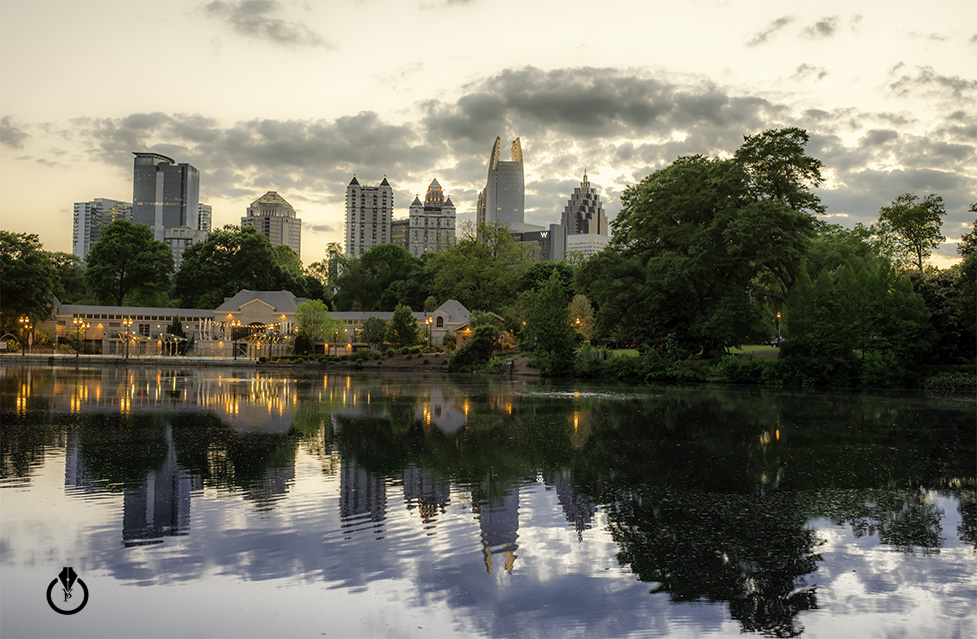
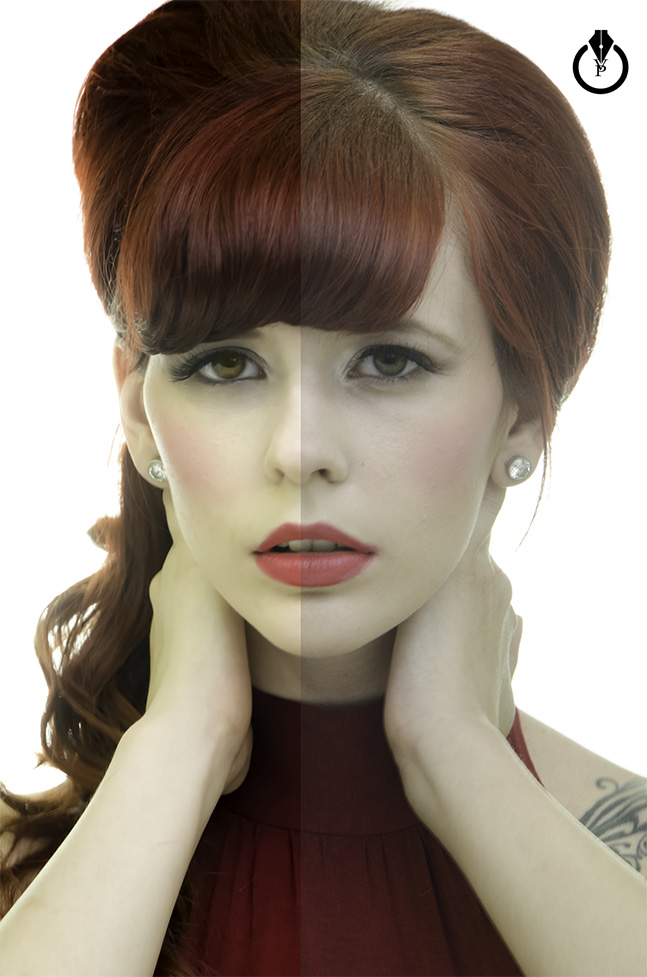
Photo Retouching
I created new FREE Adobe Mobile Apps group on LinkedIn. Join, discover, learn, and share all about Adobe mobile Apps.

From Moleskine to Adobe Illustrator and Photoshop
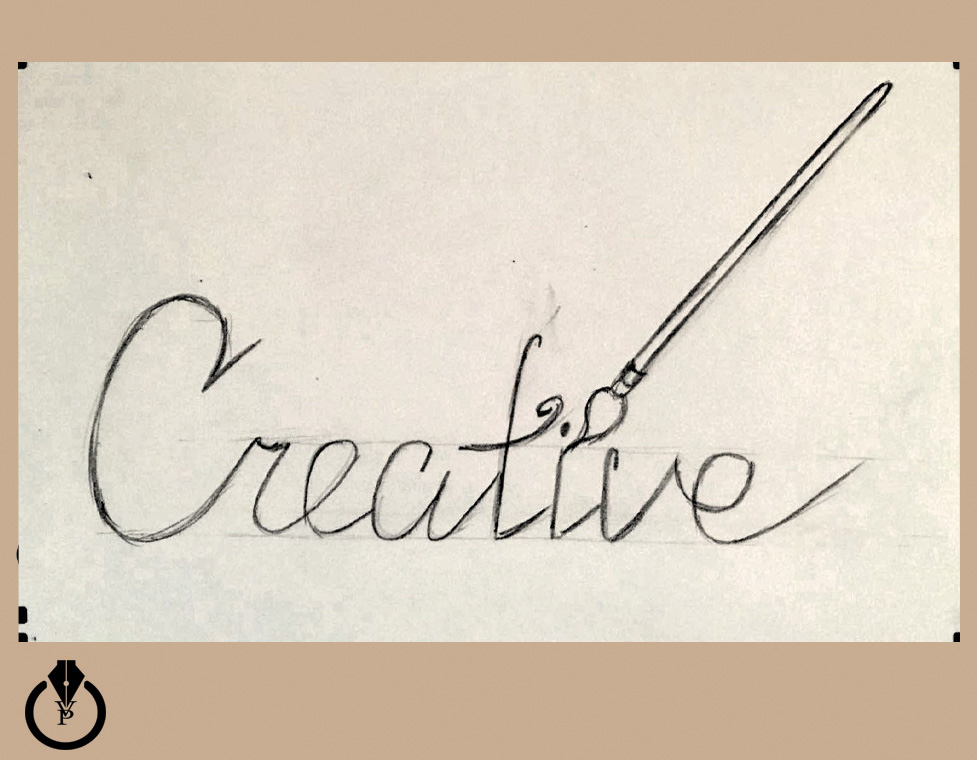
Moleskine
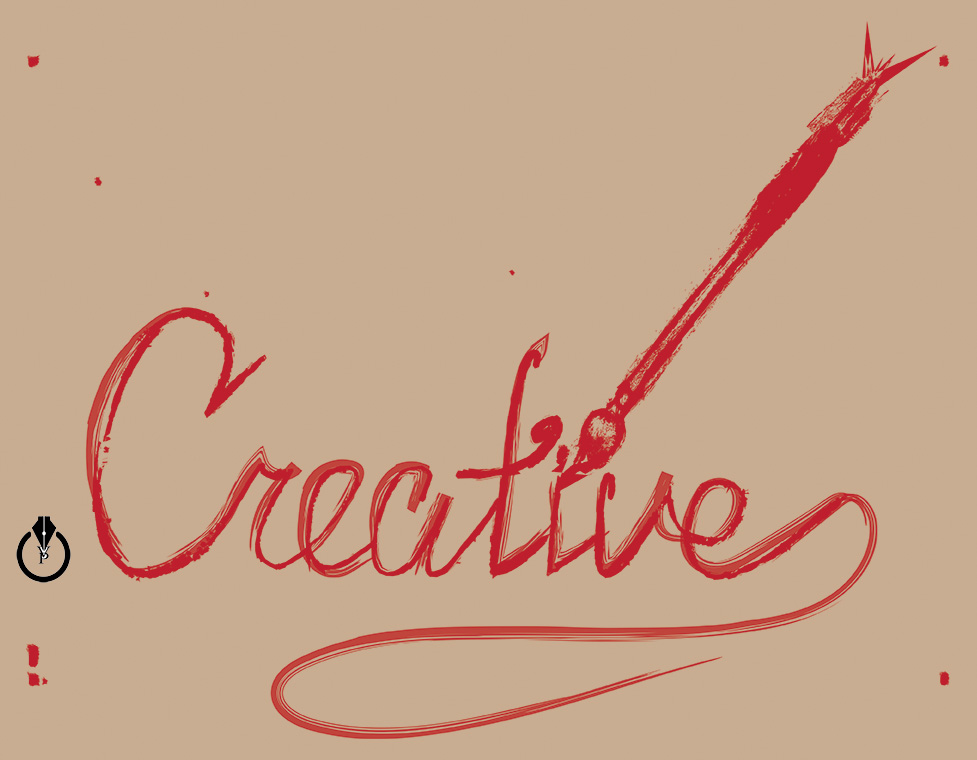
Adobe Illustrator
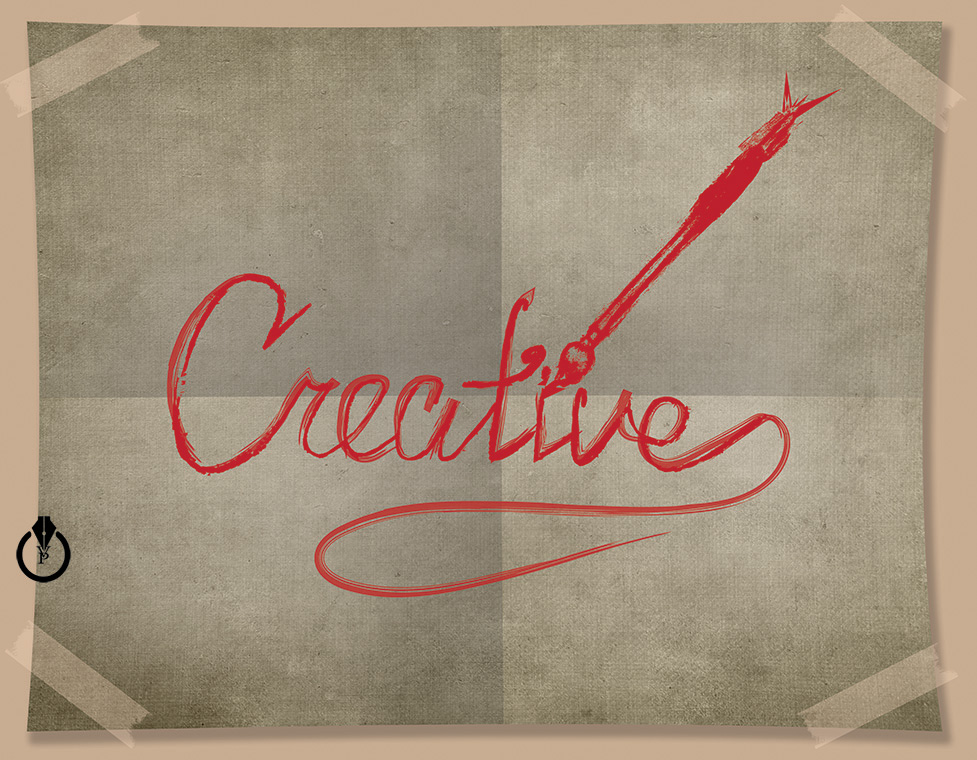
Adobe Photoshop
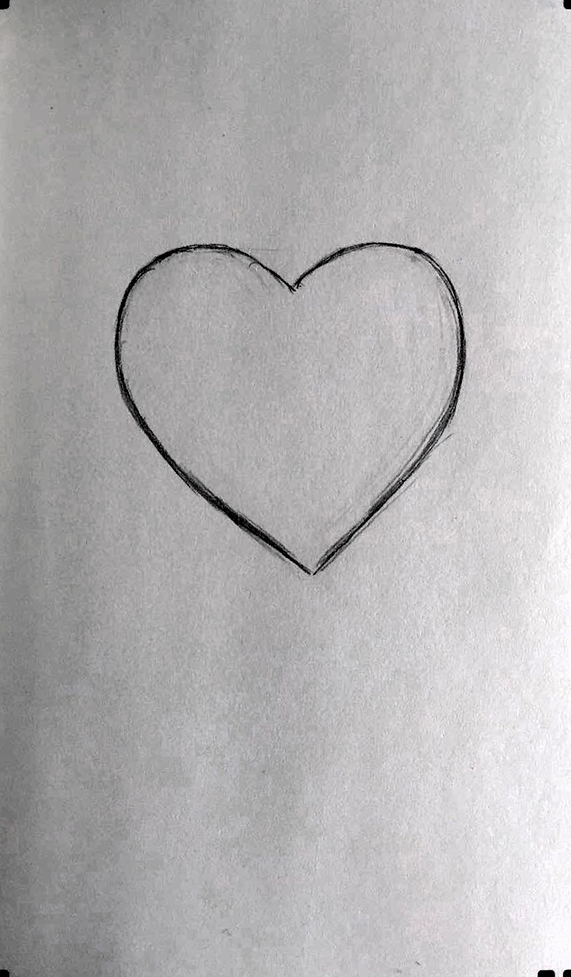
I created Valentine’s Days image using different Adobe mobile apps: Adobe Sketch, Adobe Brush, Adobe Line, and Adobe Draw. What image is your favorite?
Image 1: Original image created with Moleskine Smart Notebook
2: Brush created with Adobe Brush

3: Image created with Adobe Sketch
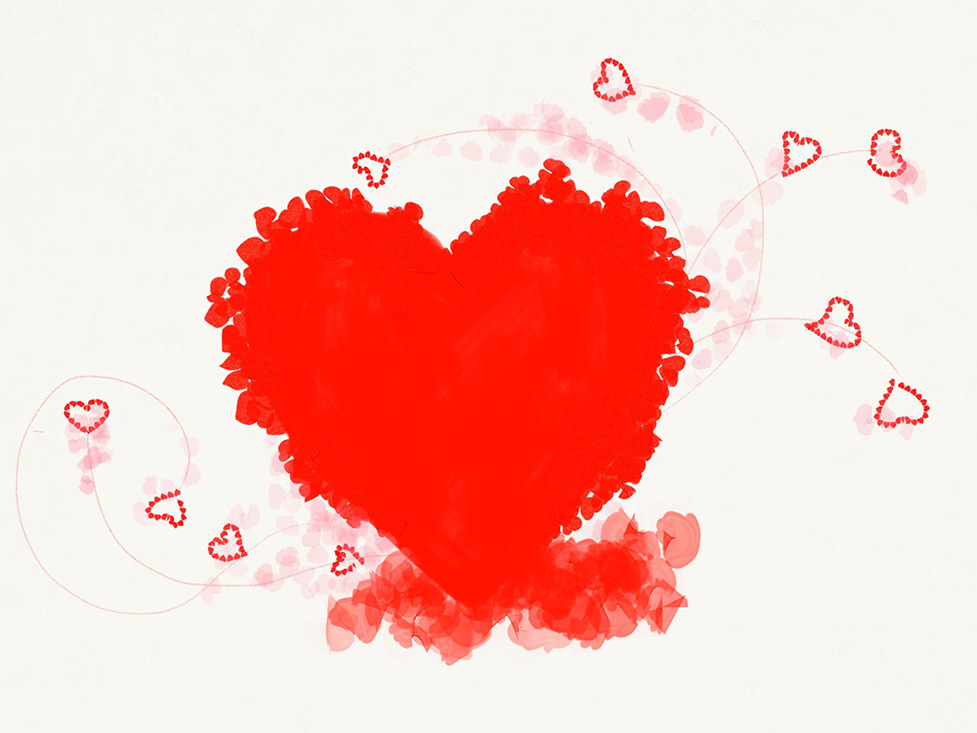
4: Image created with Adobe Line

5: Image created with Adobe Draw

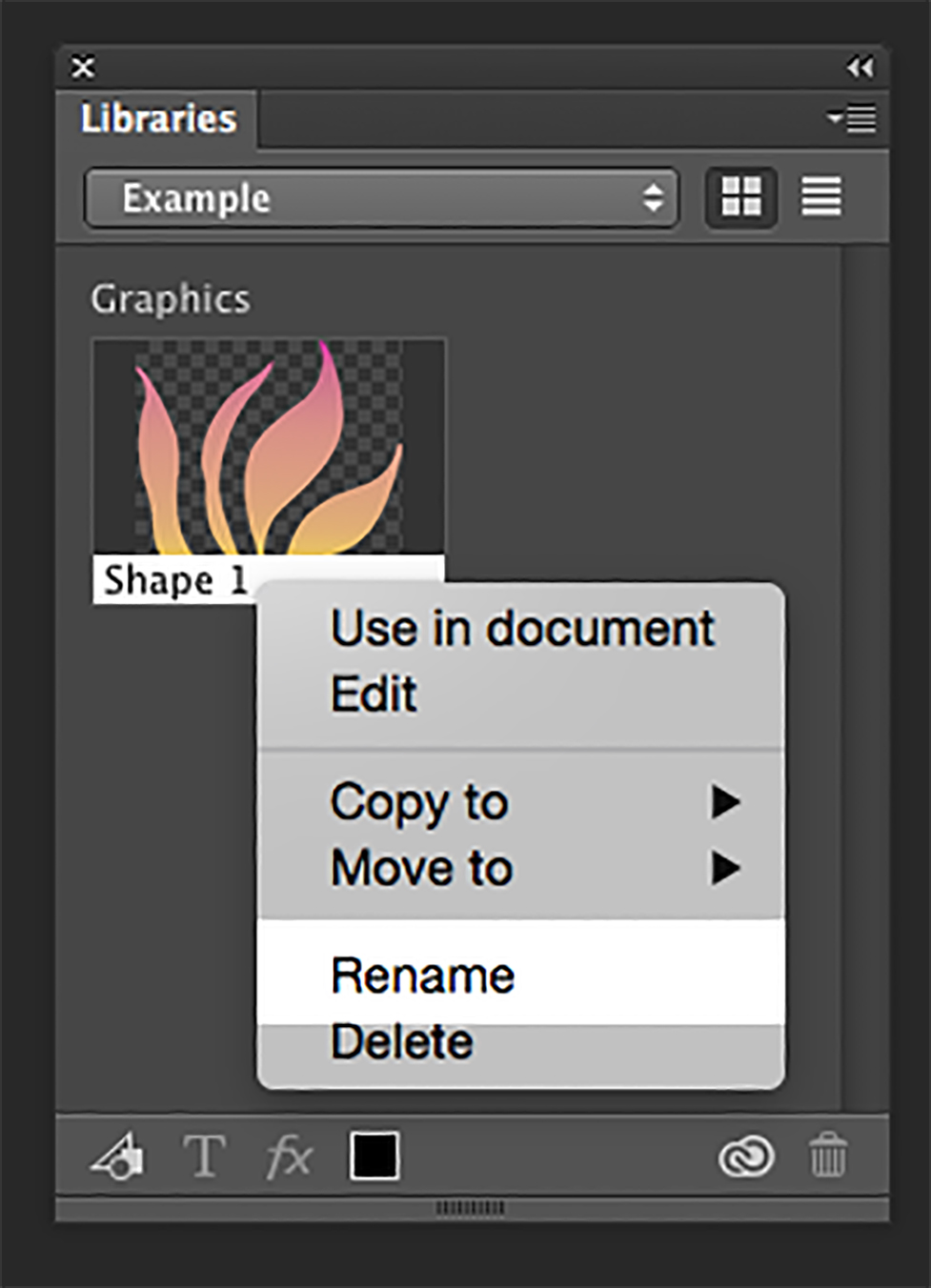
To add an icon, logo element or anything else from your open Photoshop CC document into your Library panel simply click on it and drug your into your Library Panel. Right click on a Library item – rename your item.
Organizing Layers
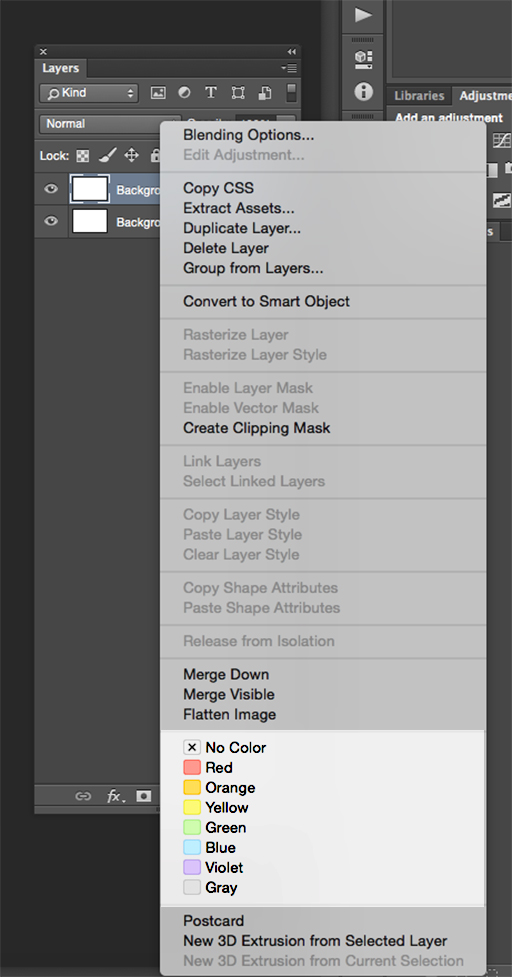
Color – Code
To organize your layer panel simply color – code your layers.
Right click on the eye icon and select the color from a flayout menu.
Join our FREE Adobe Photoshop User Group
Fashion Illustration created with Adobe Photoshop CC 2014 and Wacom, and Adobe Sketch and Adobe Ink & Slide
ADobe Photoshop CC 2014 and Wacom
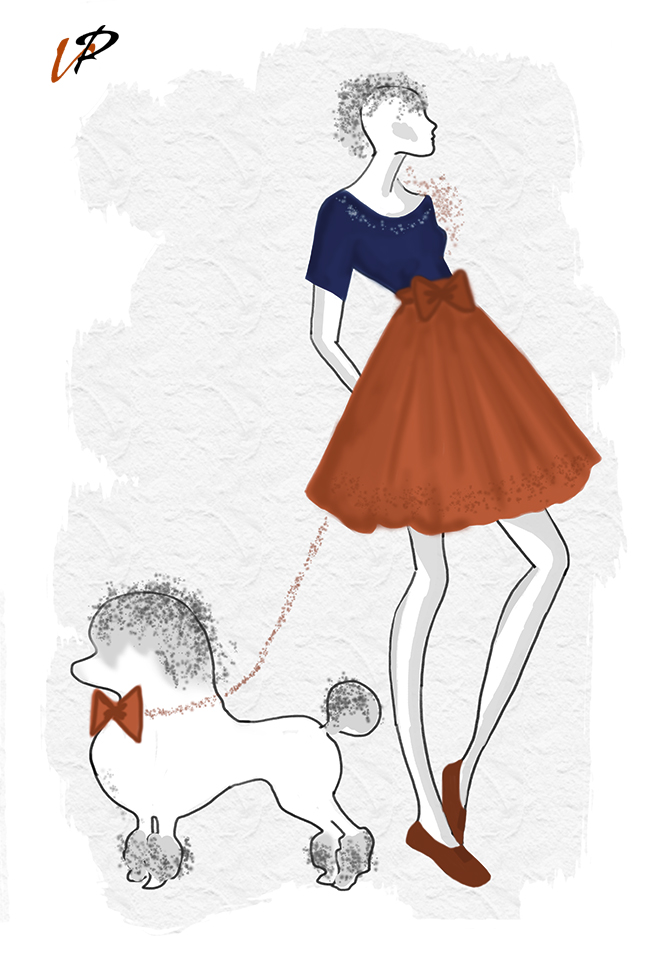
Adobe Sketch and Adobe Ink & Slide