Tag Archives: lightroom

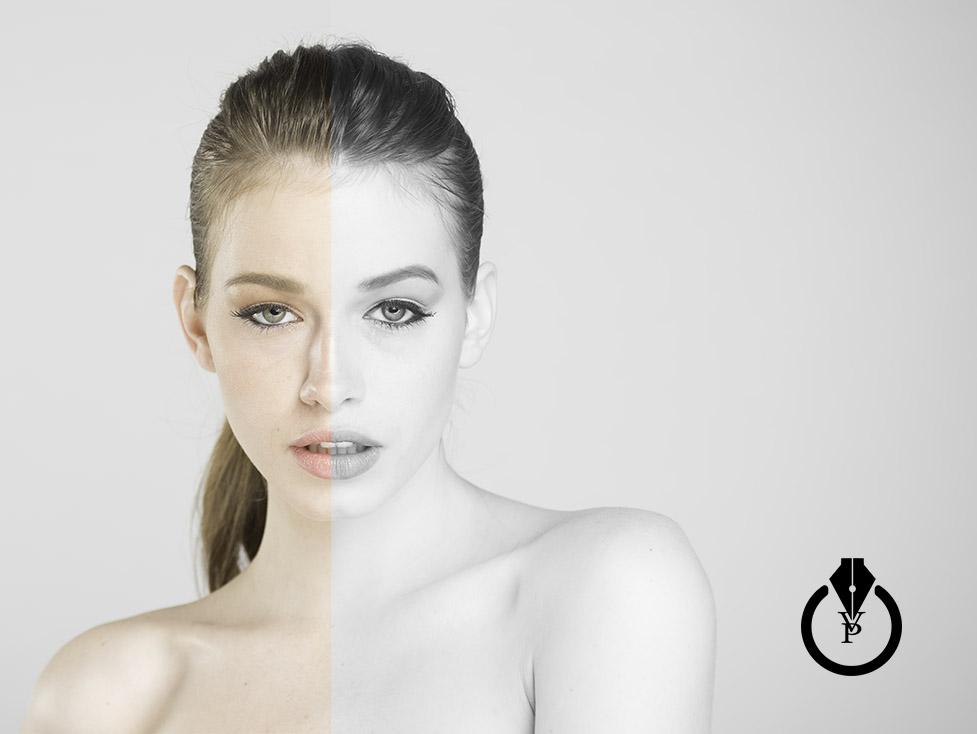
How to do portrait retouching in Adobe Photoshop Lightroom

How to do portrait retouching in Adobe Photoshop Lightroom 

Lightroom

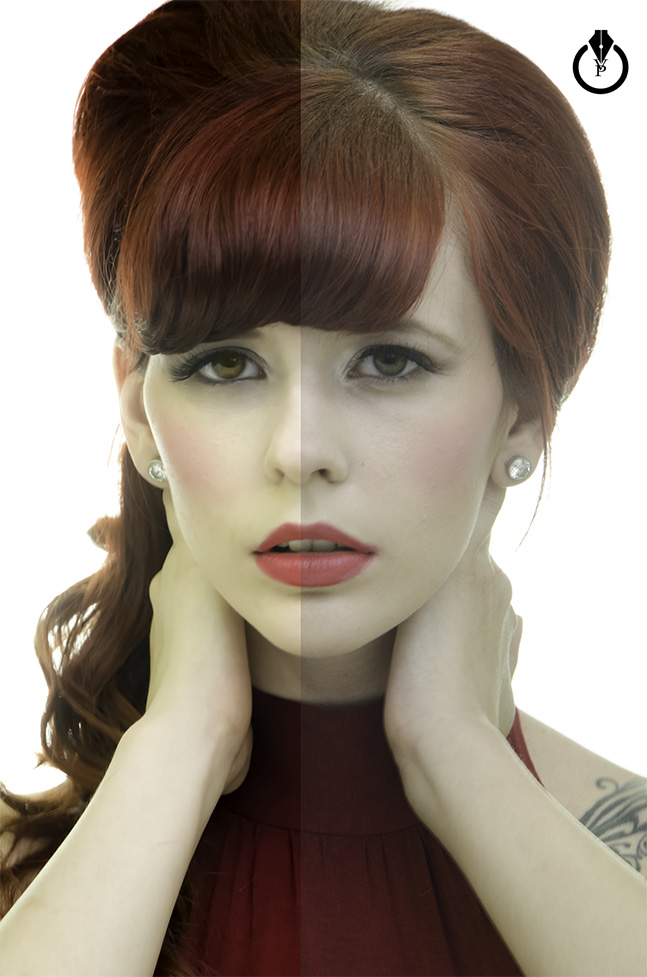
Join me as we explore how to do portrait retouching in Adobe Photoshop Lightroom. We’ll use the Develop module not only to make global adjustments, but also local adjustments and best part is that all of these edits will be non-destructive.

Registration Page 

Live preview of Dehaze effect in Adobe Lightroom

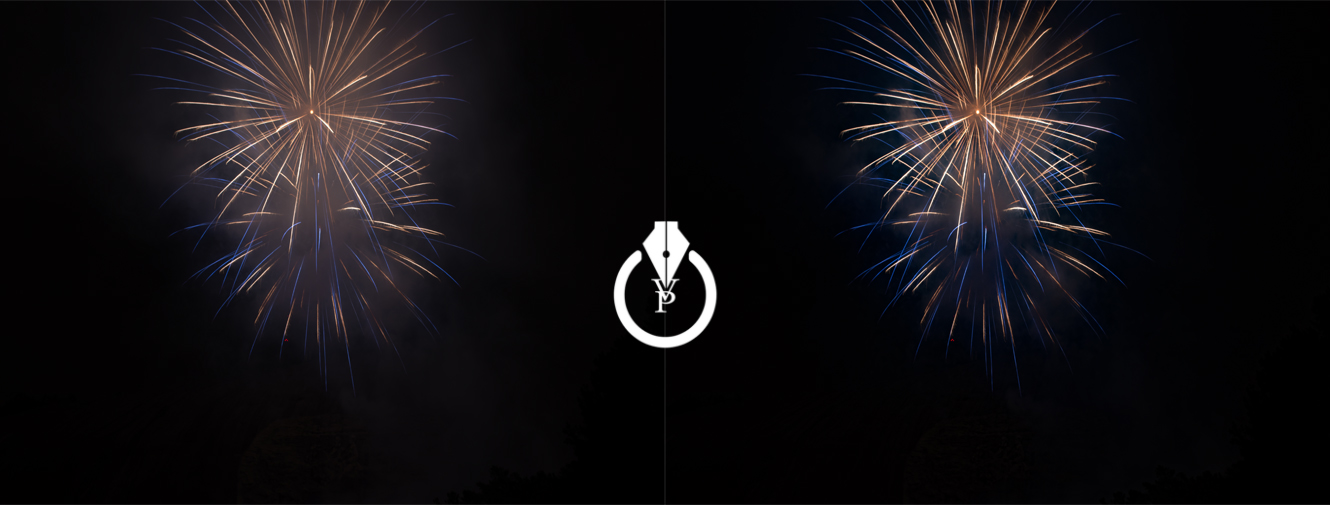
This year I went to a local park for a 4th of July fireworks display. I pretty much got some nice images using my Nikon  and Terry White’s firework shooting settings.  But  it doesn’t matter how good your settings are we still cant avoid the smoke in our fireworks pictures. Thanks to the Dehaze effect in Adobe  Lightroom CC  I can remove the smoke from my pictures in a second simply moving Dehaze effect slider to the right. Moving Dehaze slider to the right from 0  to +100 you are removing haze/smoke from your pictures. Moving the Dehaze effect slider from 0 to -100 you can add a haze effect to your pictures.

Screen Shot 2015-07-08 at 8.07.10 AM


See it in action here:

Dehaze effect In Lightroom


Volcano

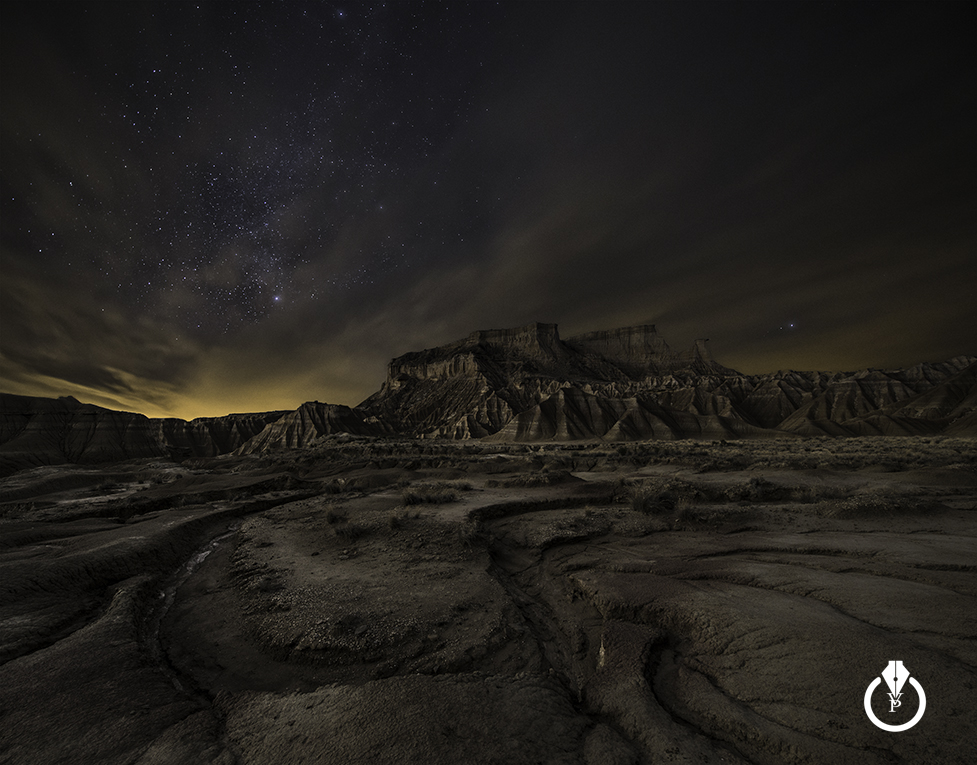
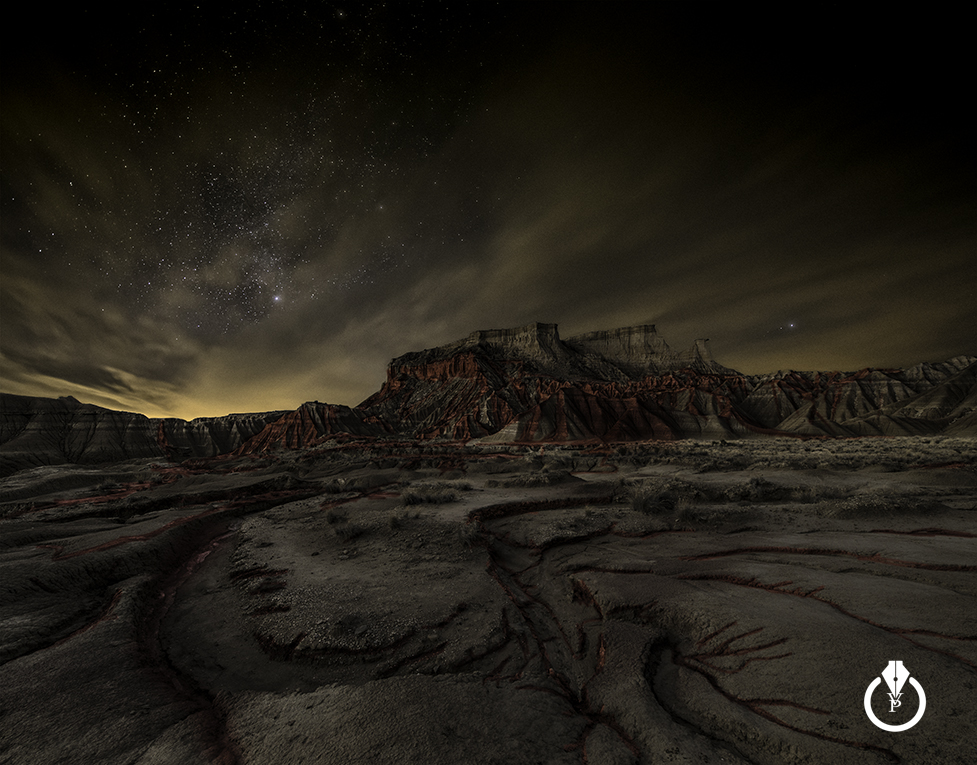
If you think Adobe Lightroom is not for designers, think twice 🙂

100% created using Adobe Lightroom
Before

100% created using Adobe Lightroom

After

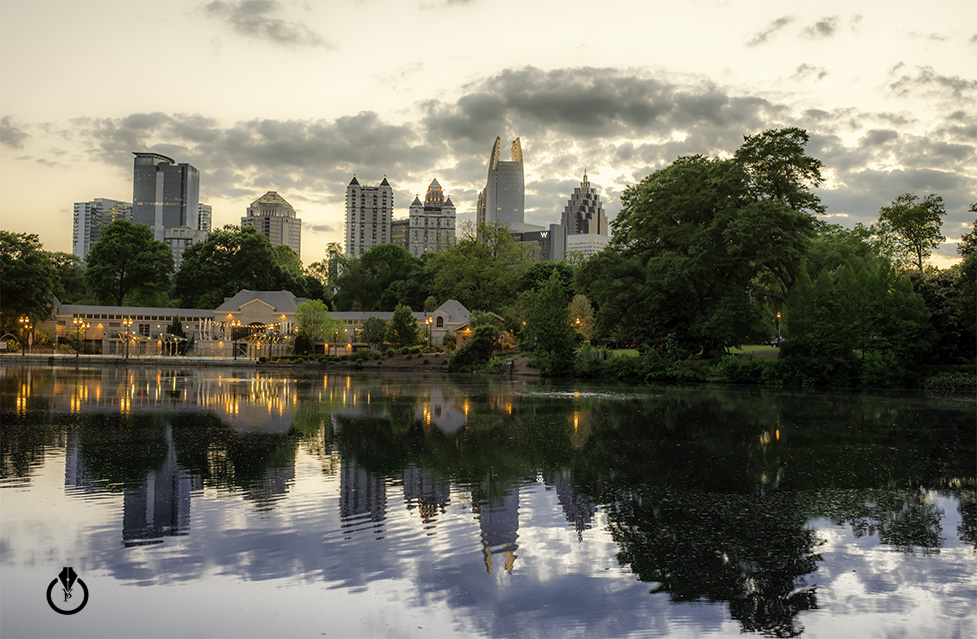
HDR in Adobe Lightroom CC

Merge to HDR in Adobe Lightroom CC

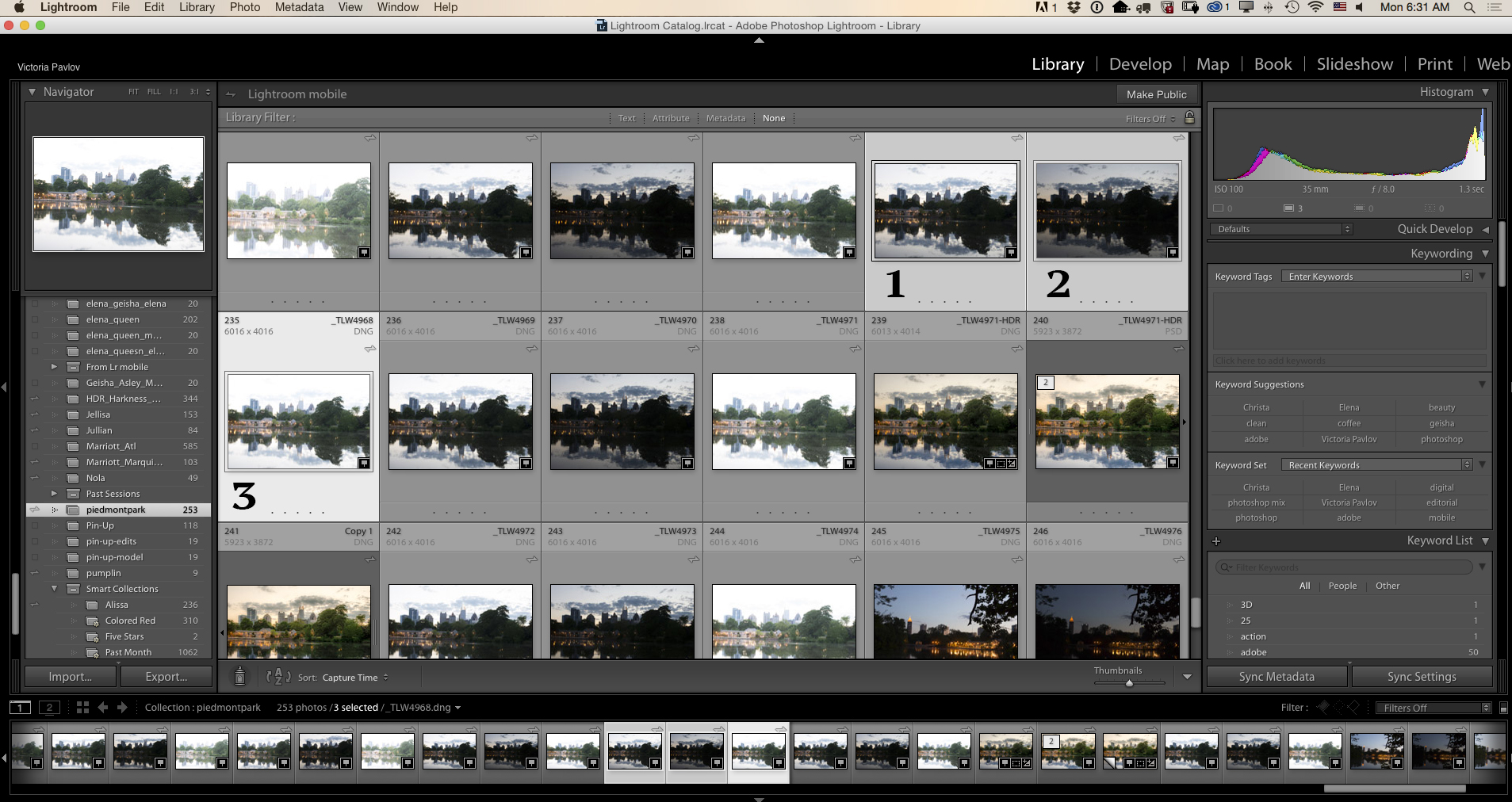
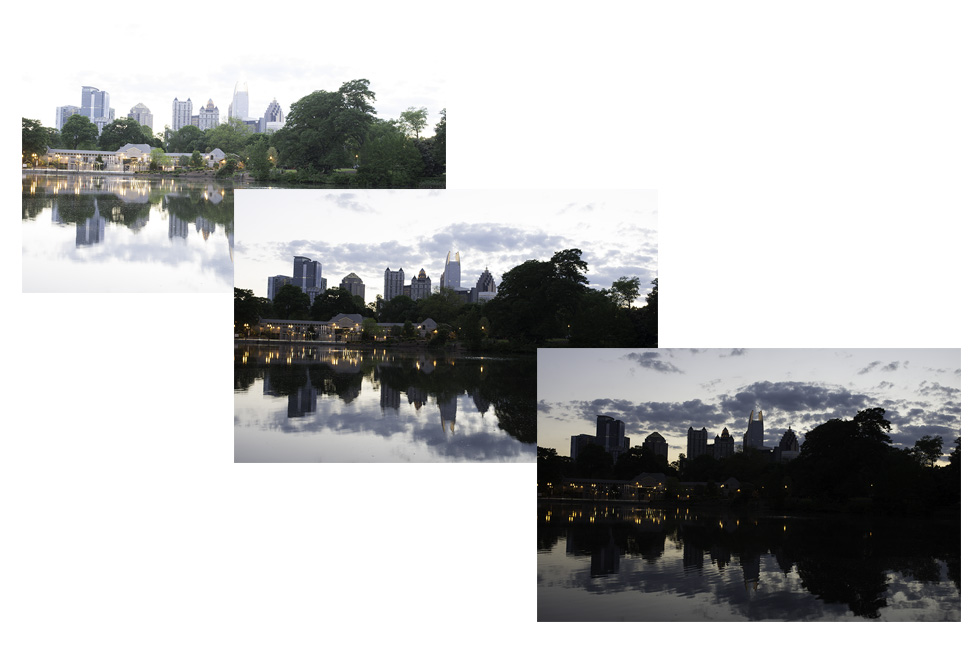
Select three images with different exposures (brackets)
Screen Shot 2015-05-11 at 6.31.06 AM

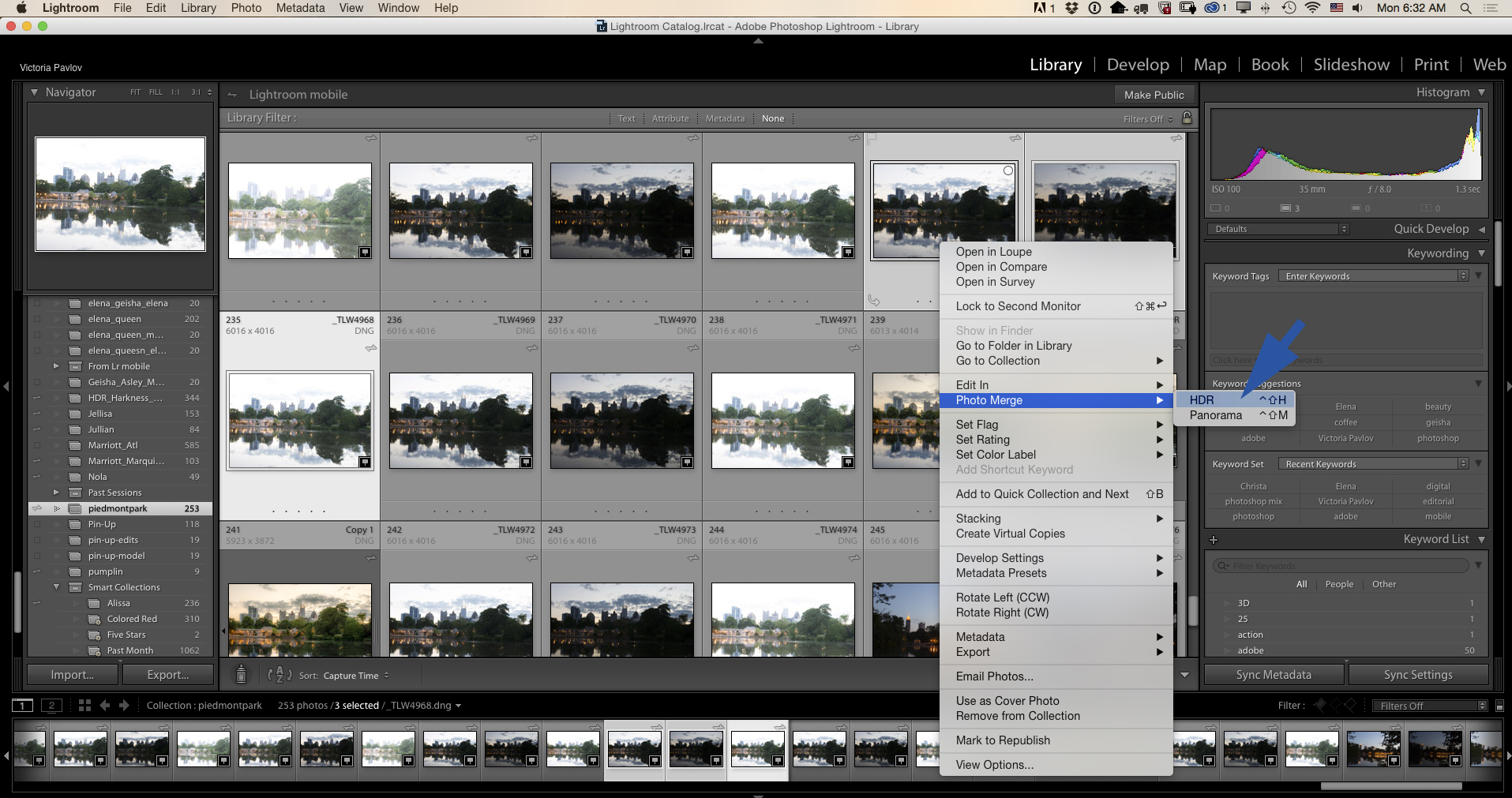
Right Click > Photo Merge > HDR
Screen Shot 2015-05-11 at 6.31.54 AM

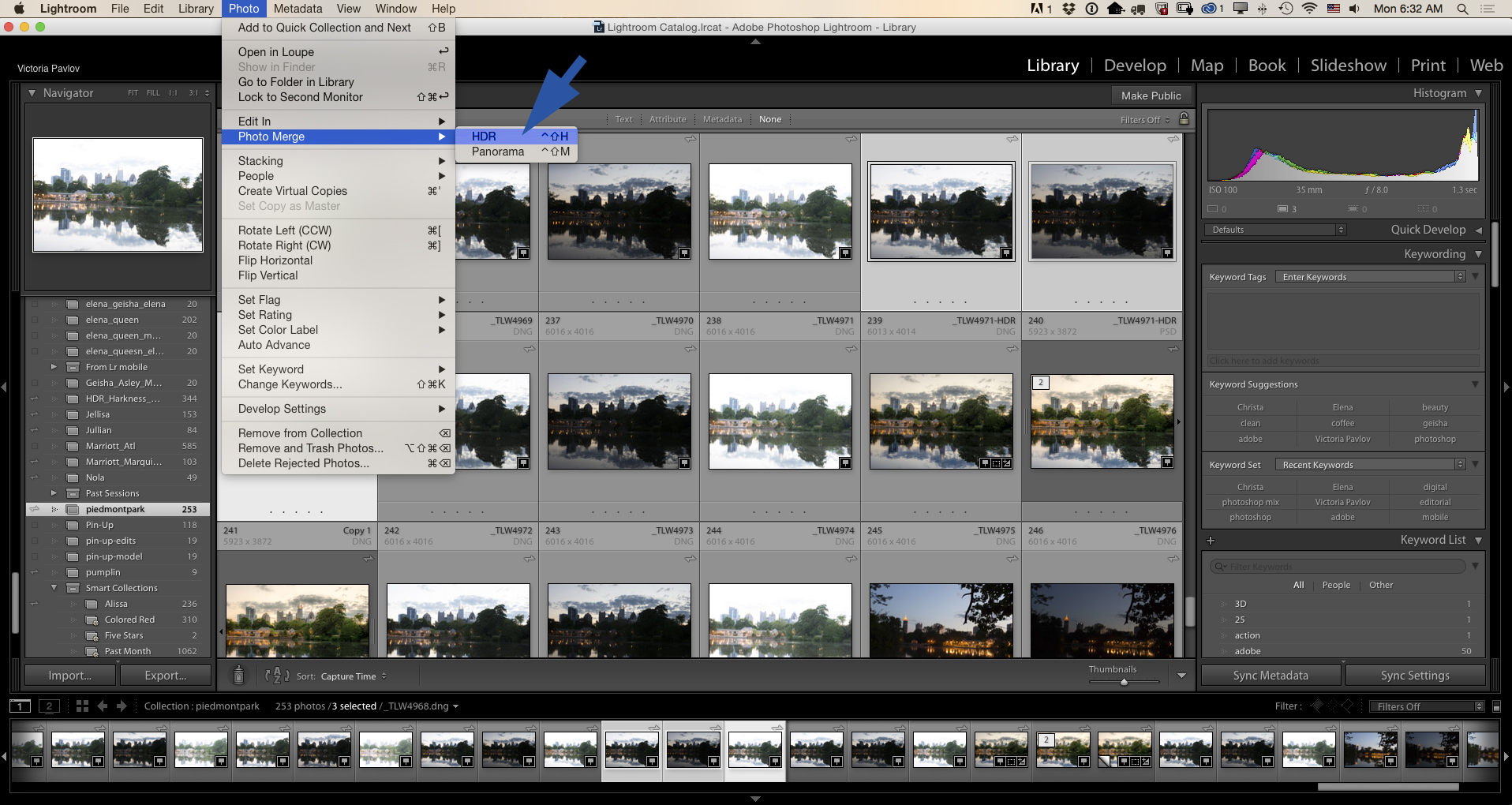
or Photo > Photo Merge > HDR
Screen Shot 2015-05-11 at 6.32.16 AM

Adobe Lightroom CC

HDR & Photo Retouching with Adobe Lightroom CC

all

Photo > Photo Merge > HDR

HDR with Adobe Lightroom CC

Photo Retouching

Portrait retouching using Adobe Lightroom CC